Customizable Christmas Lights - Geometry Nodes (Blender)
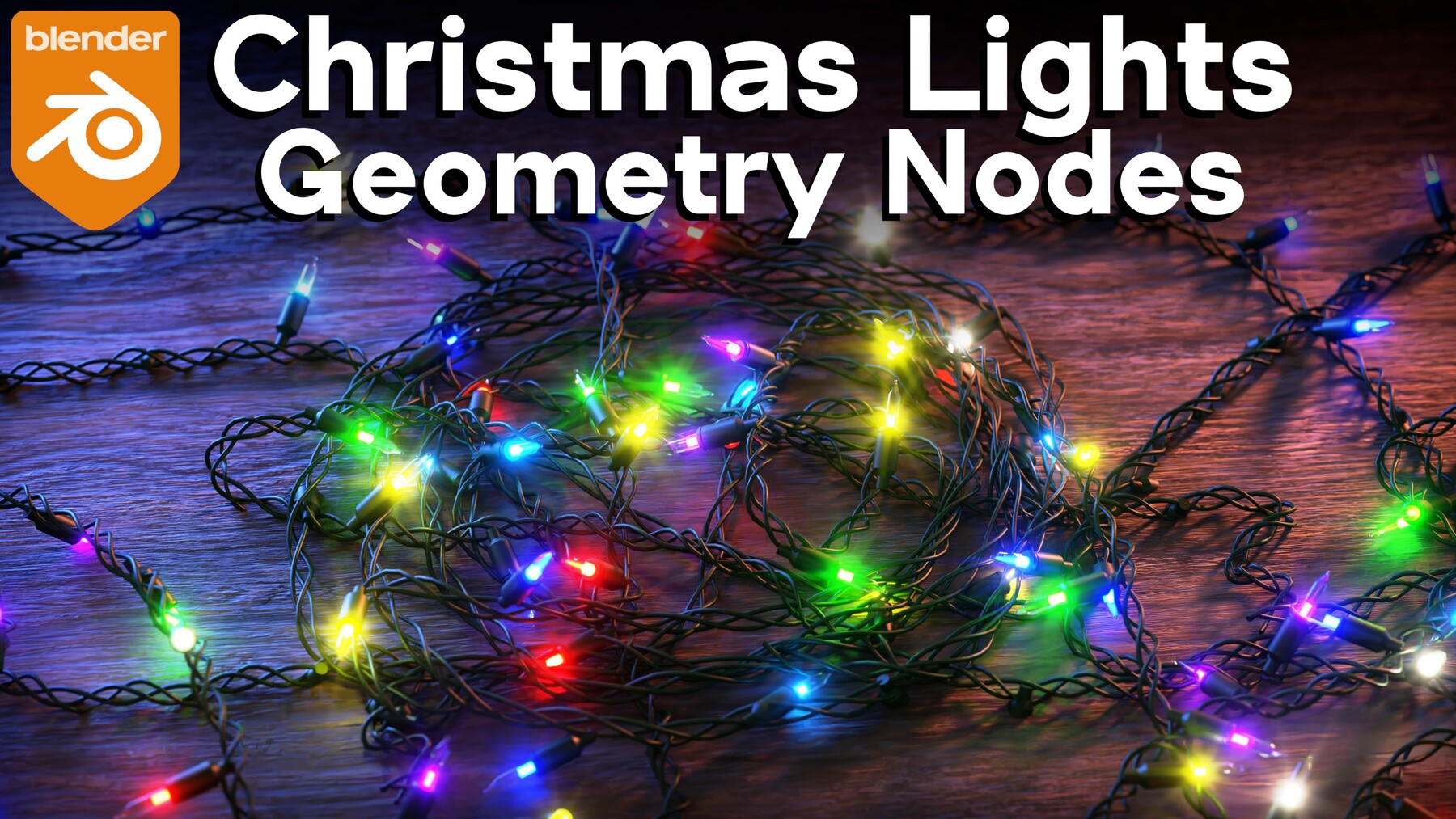
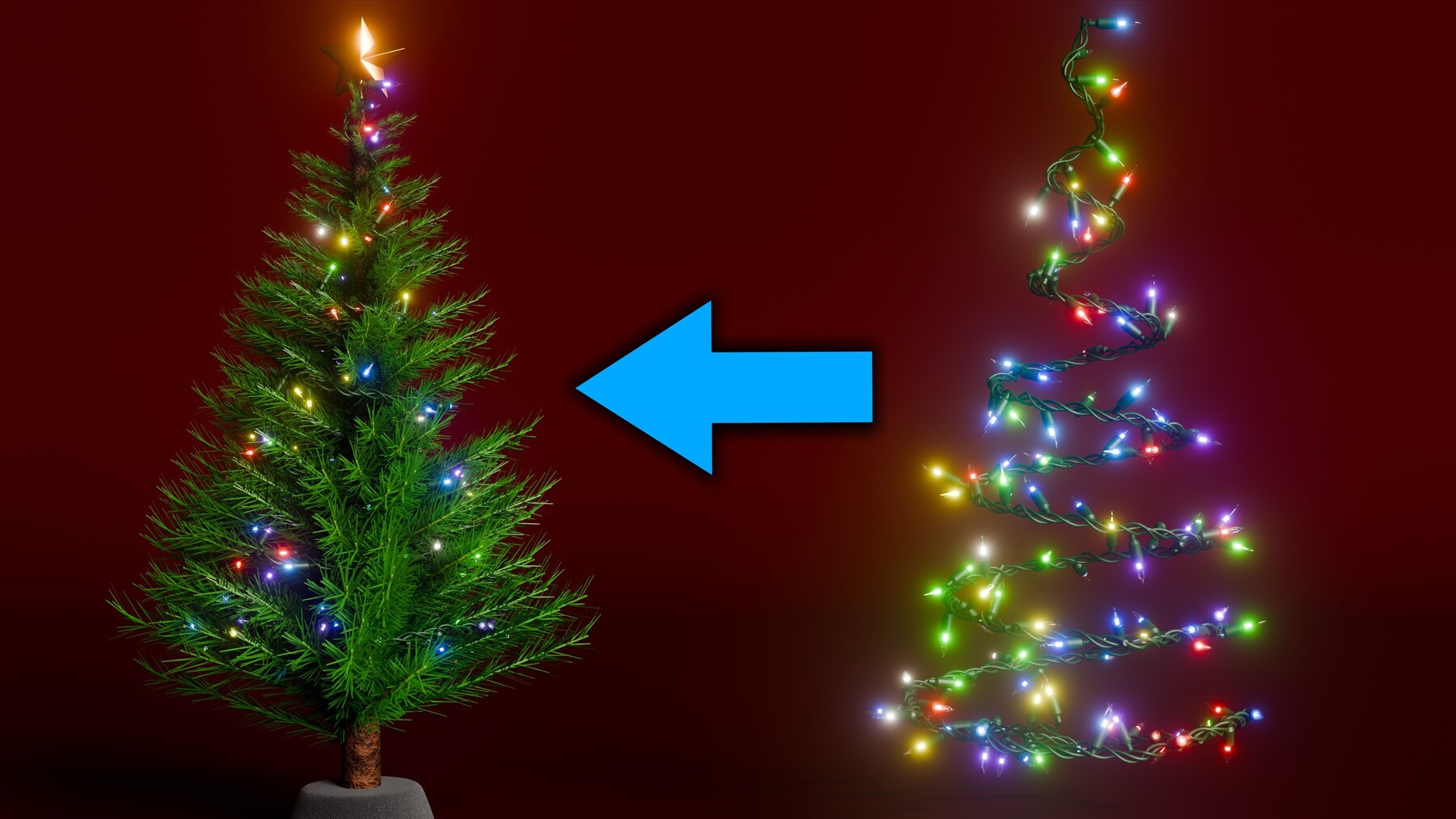
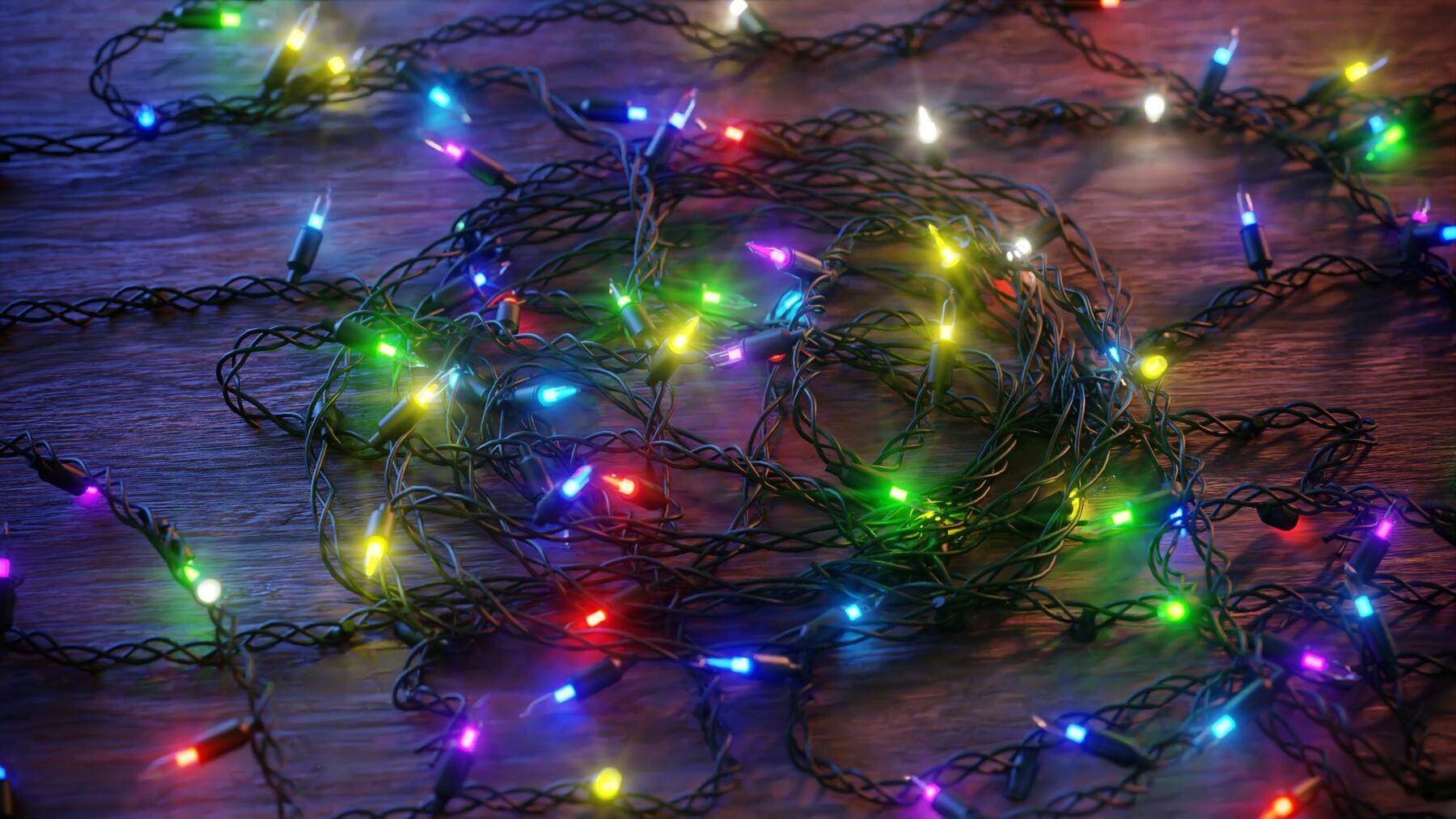
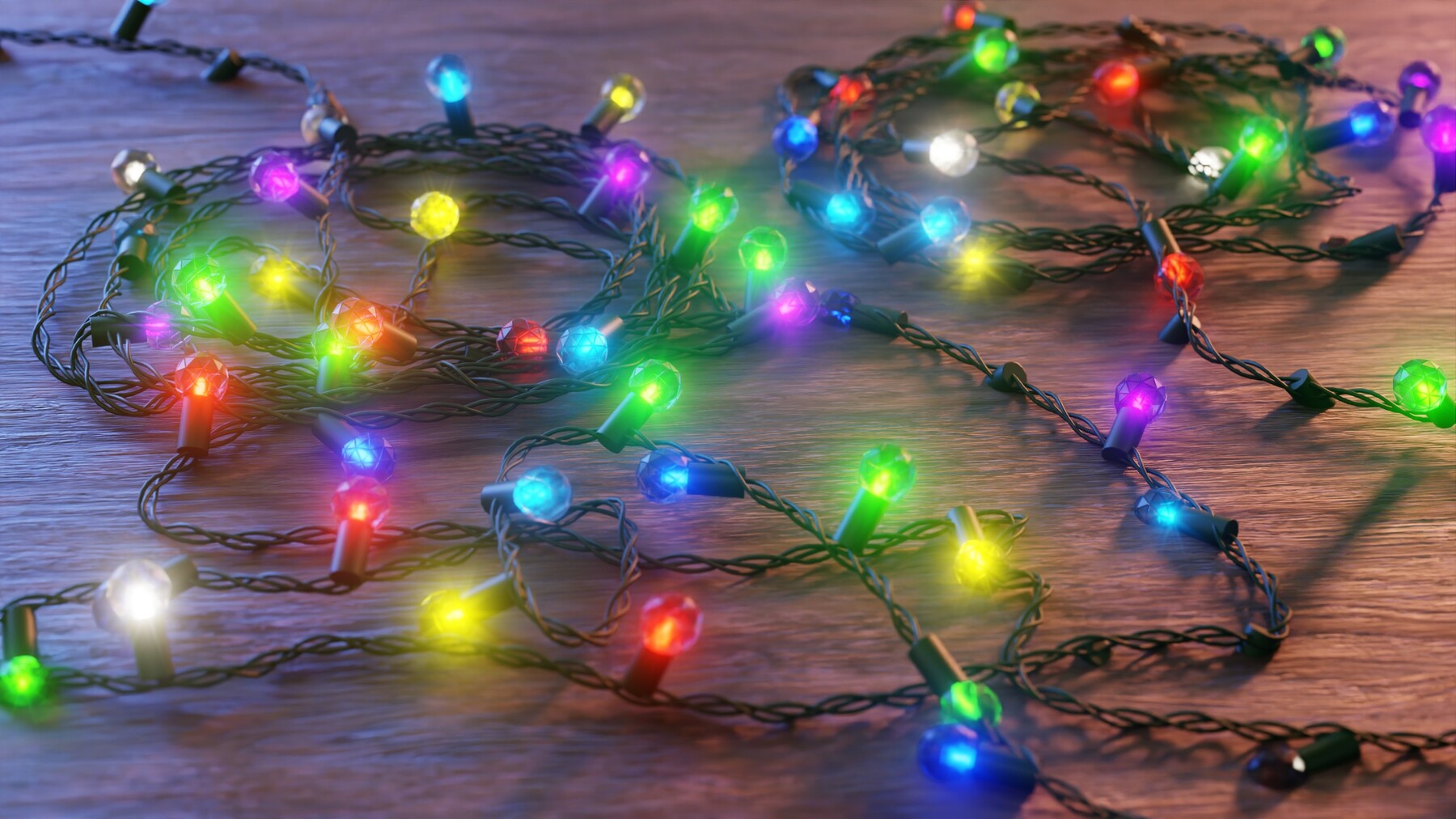
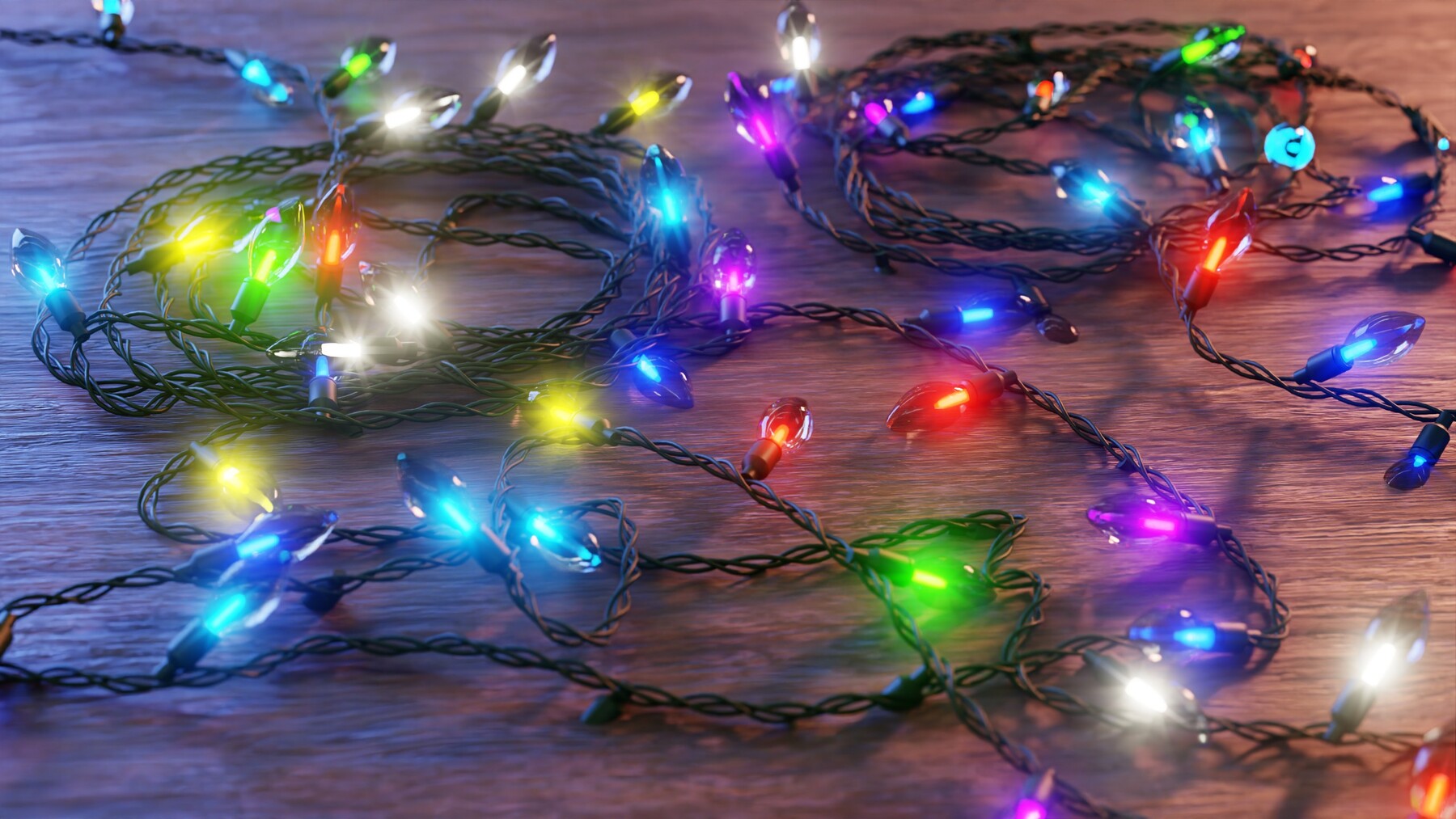
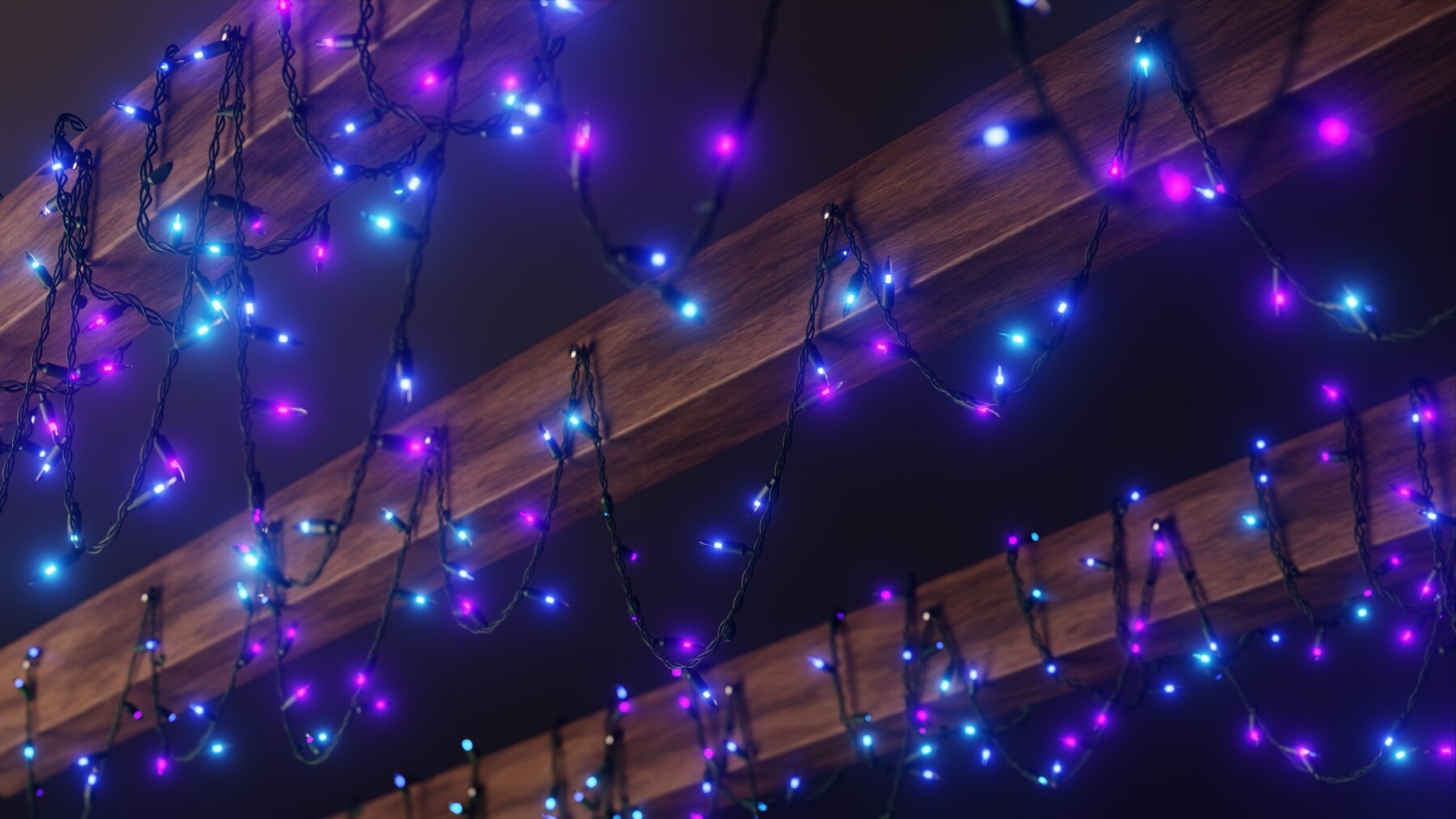
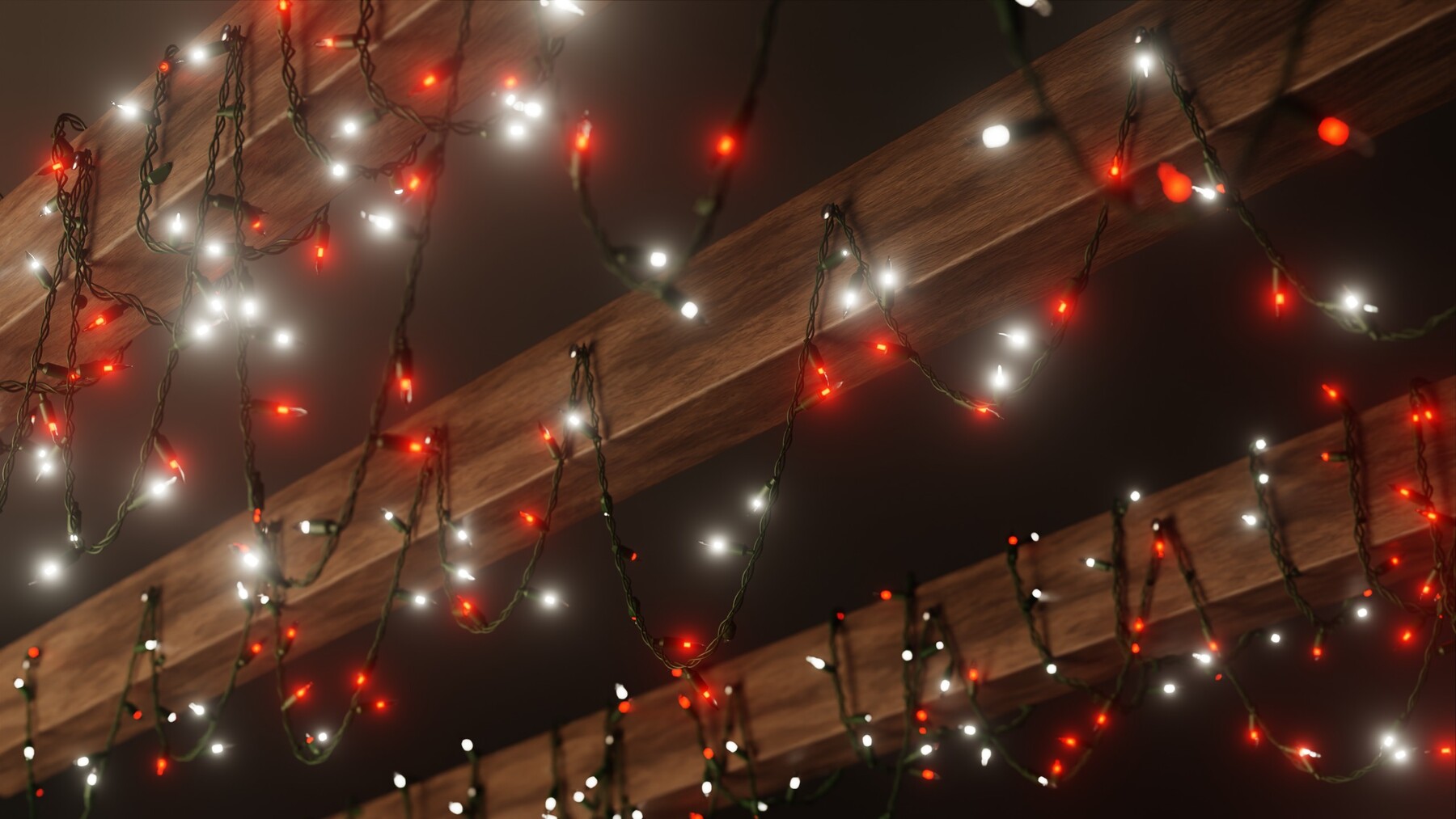
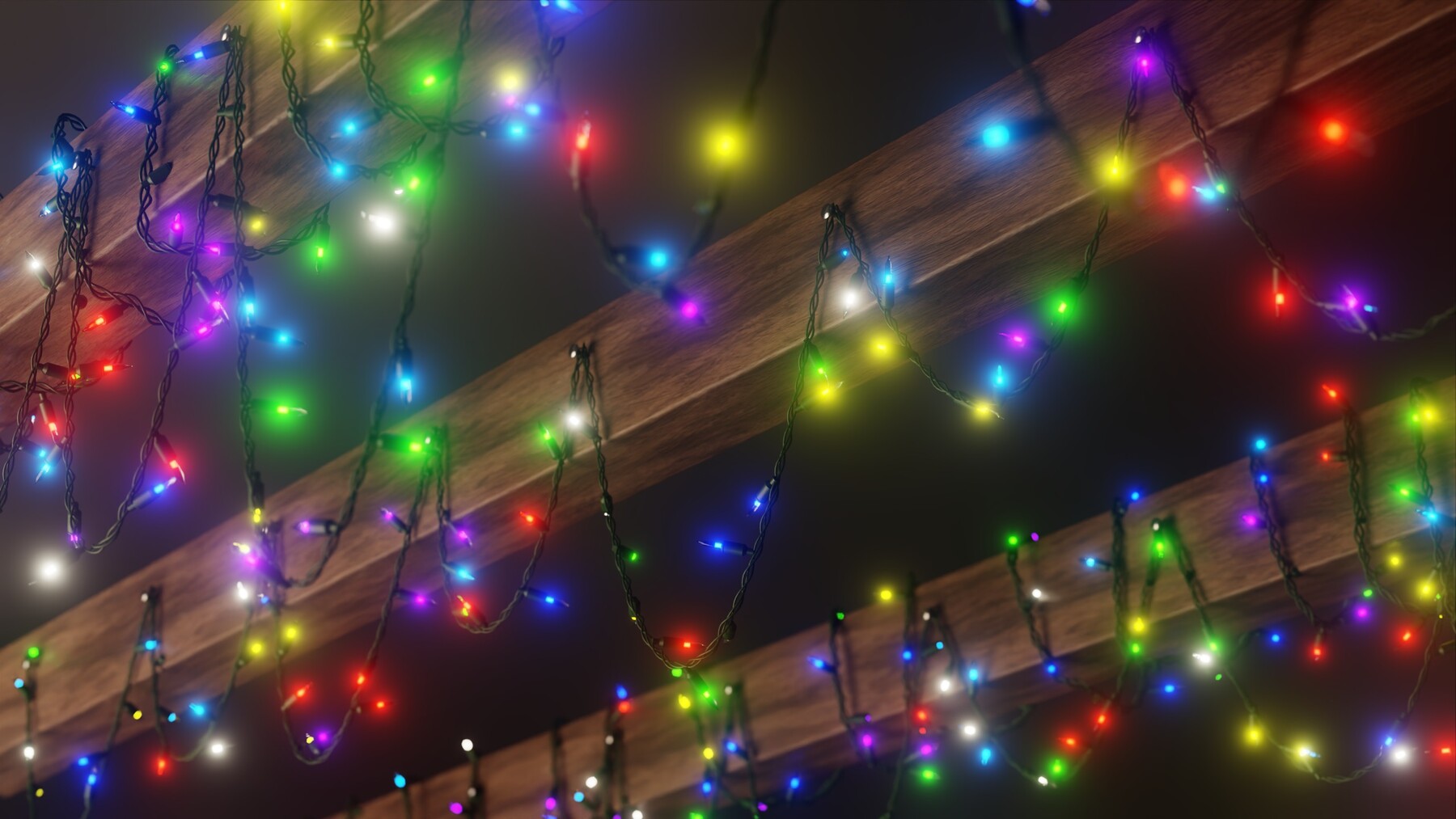
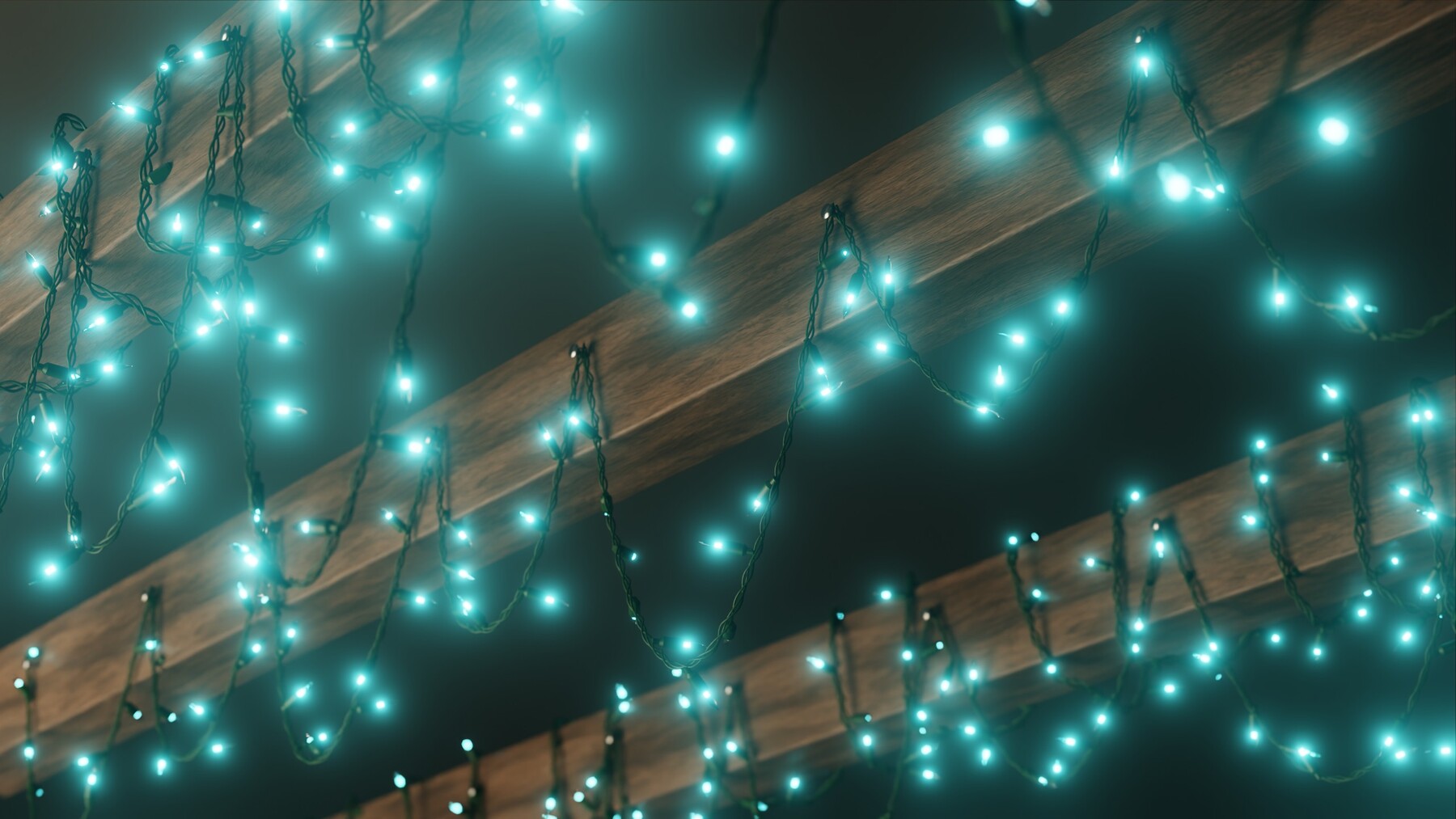
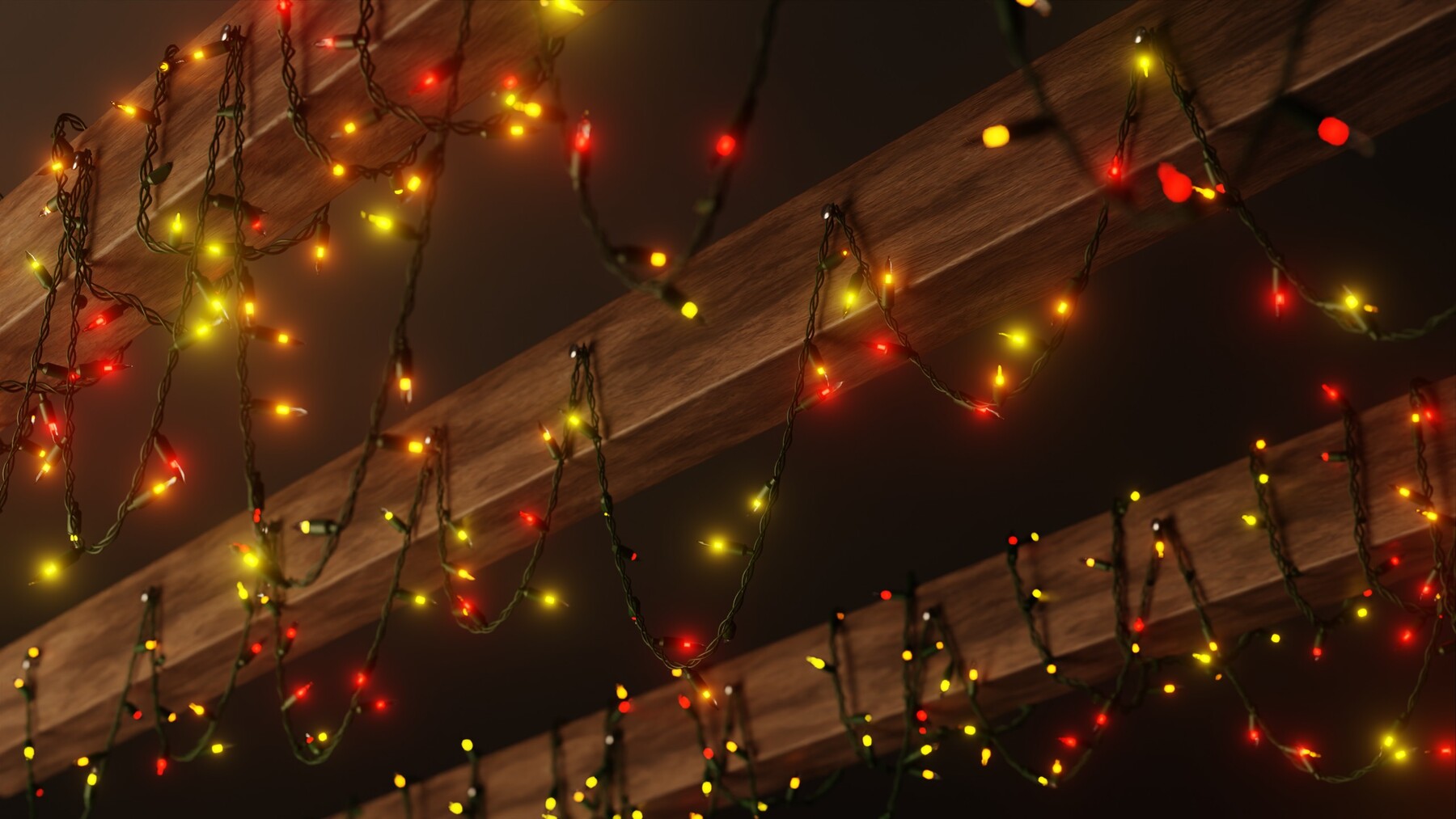
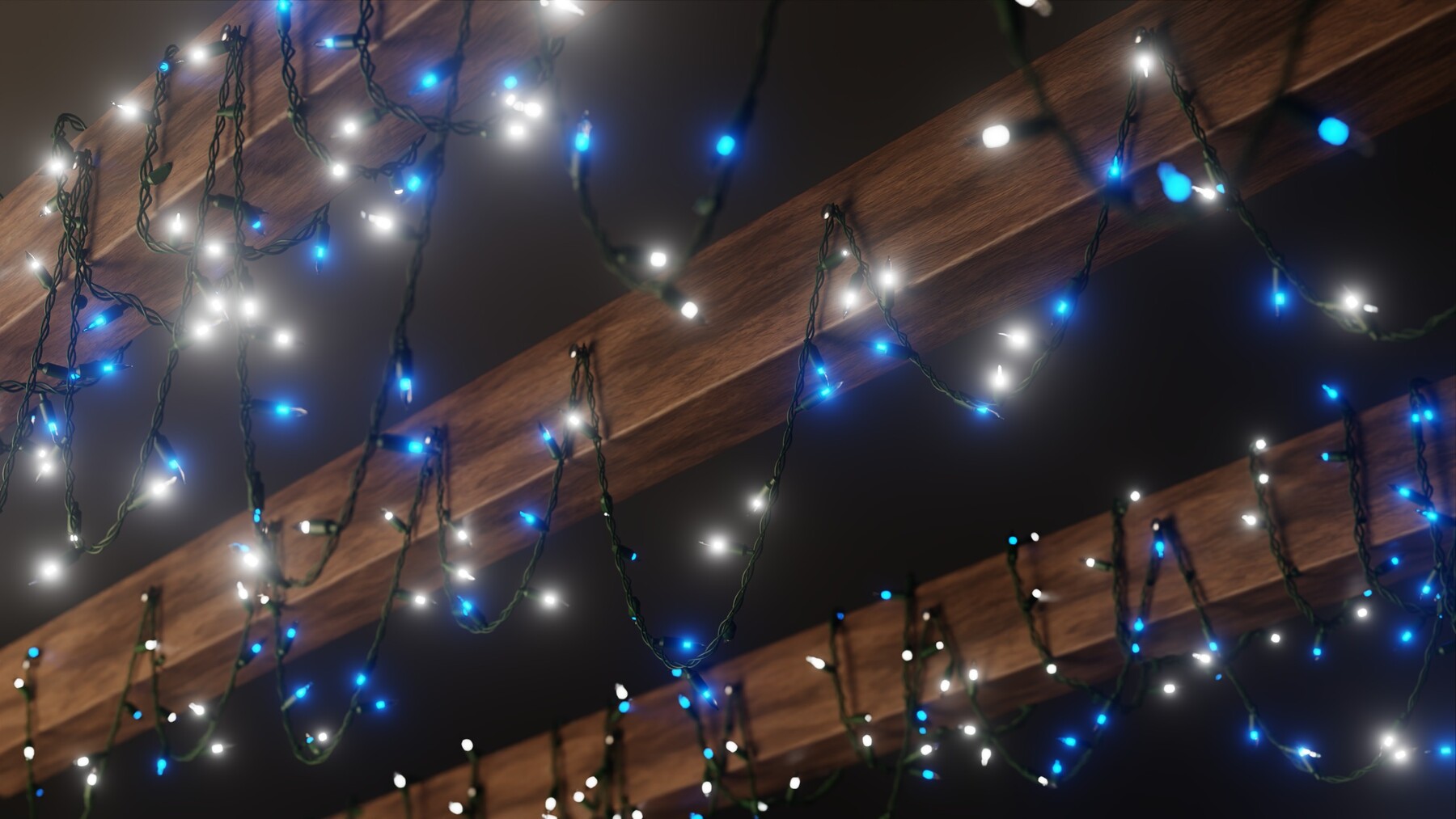
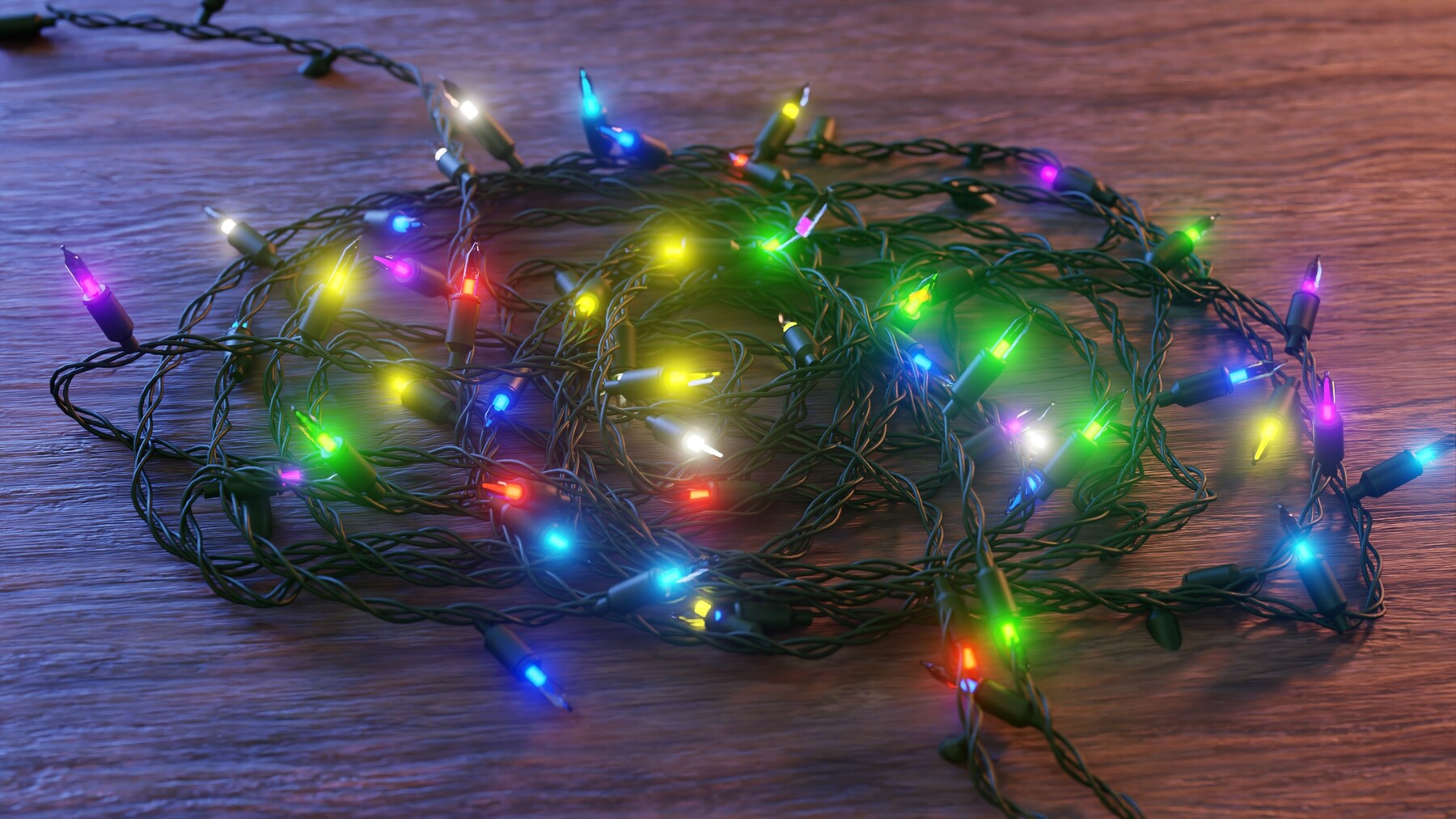
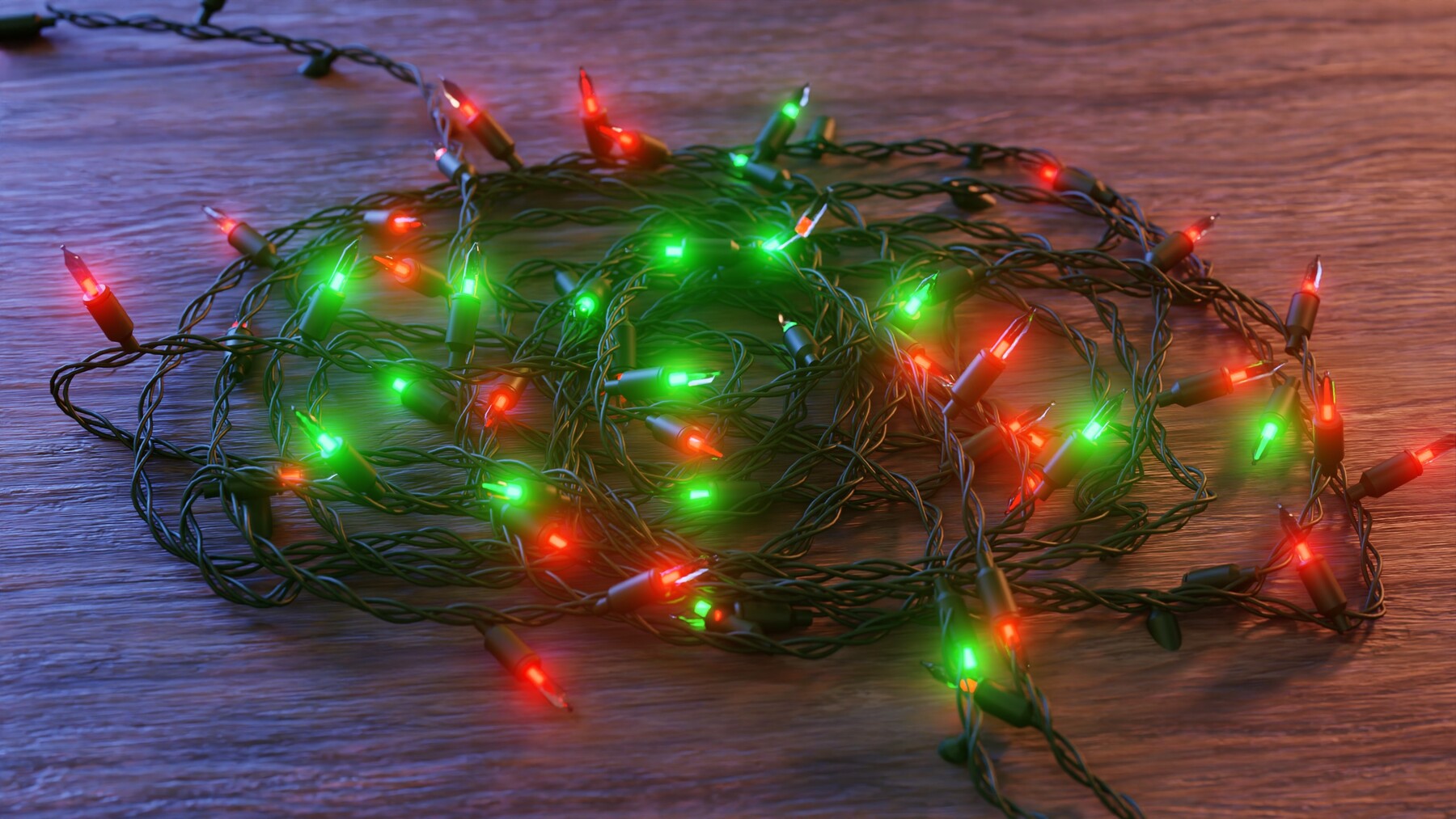
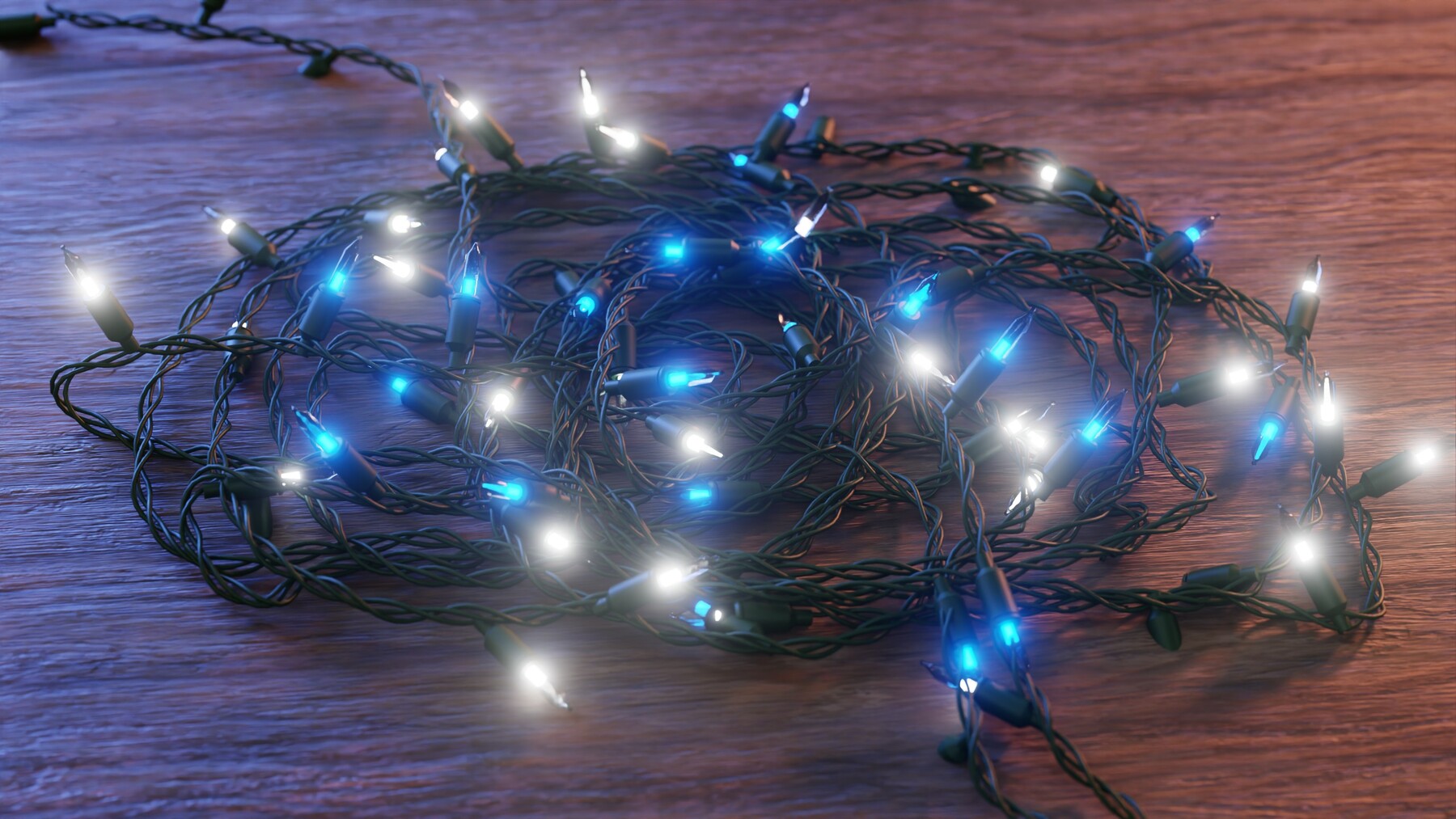
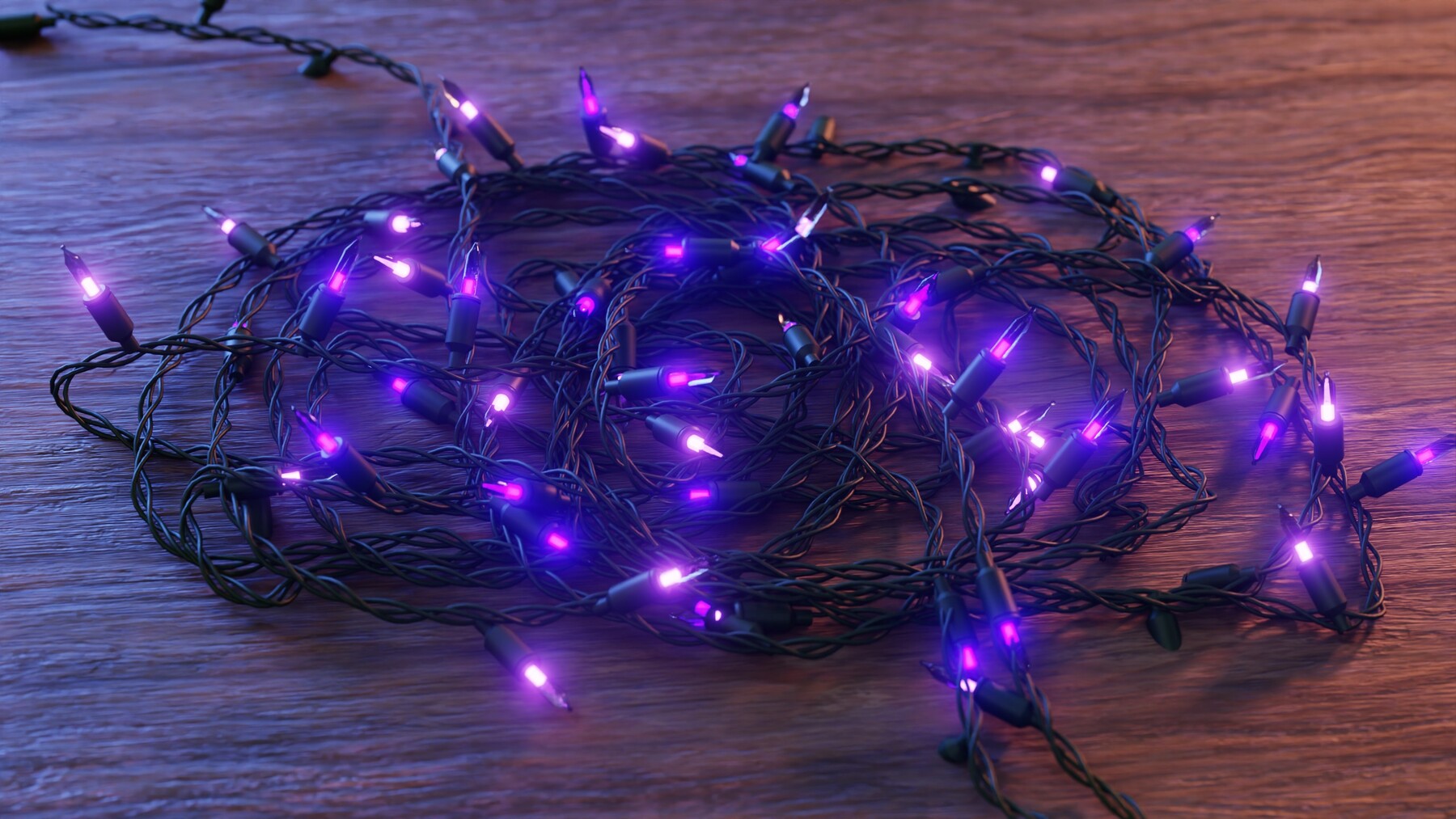
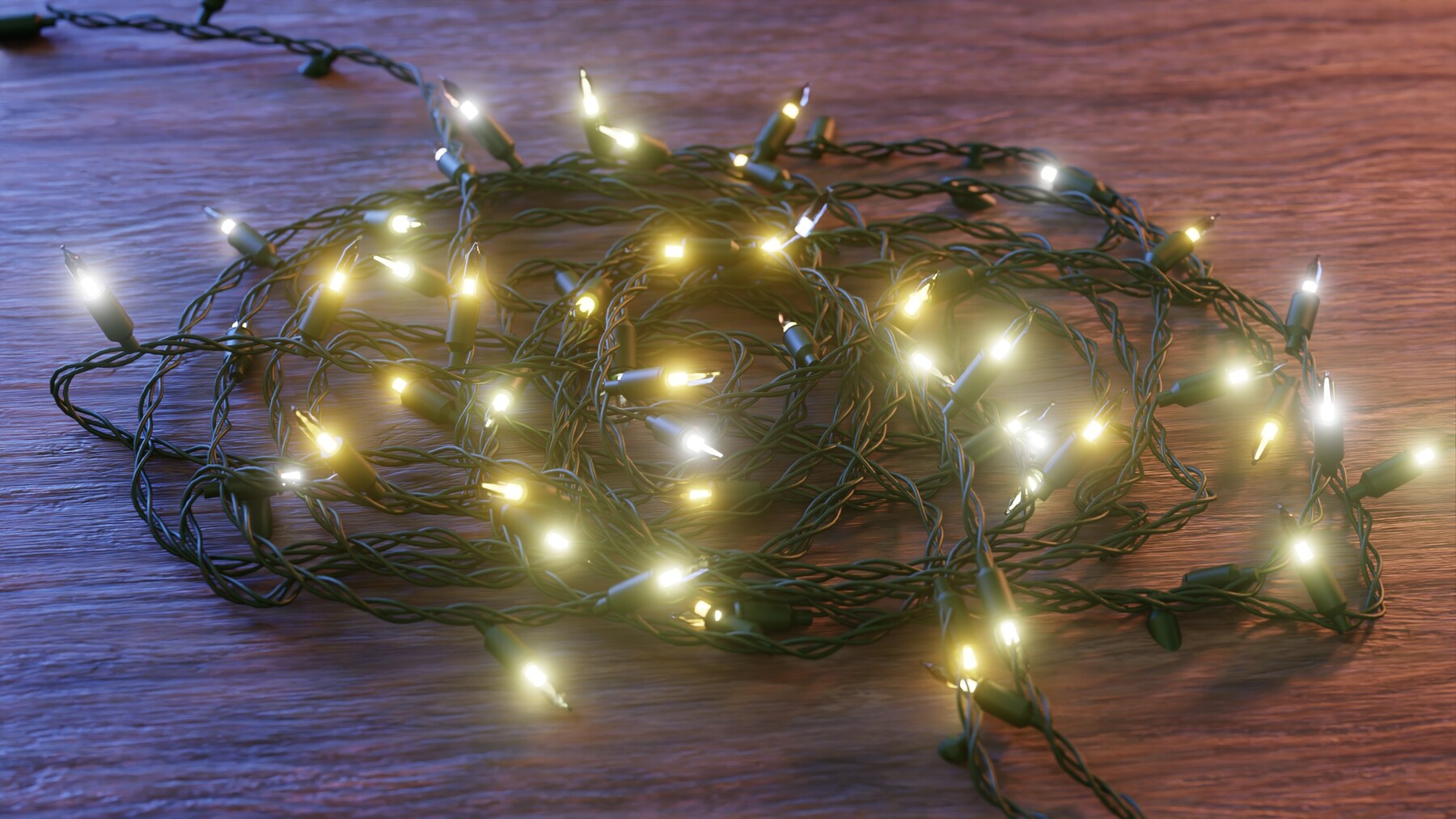
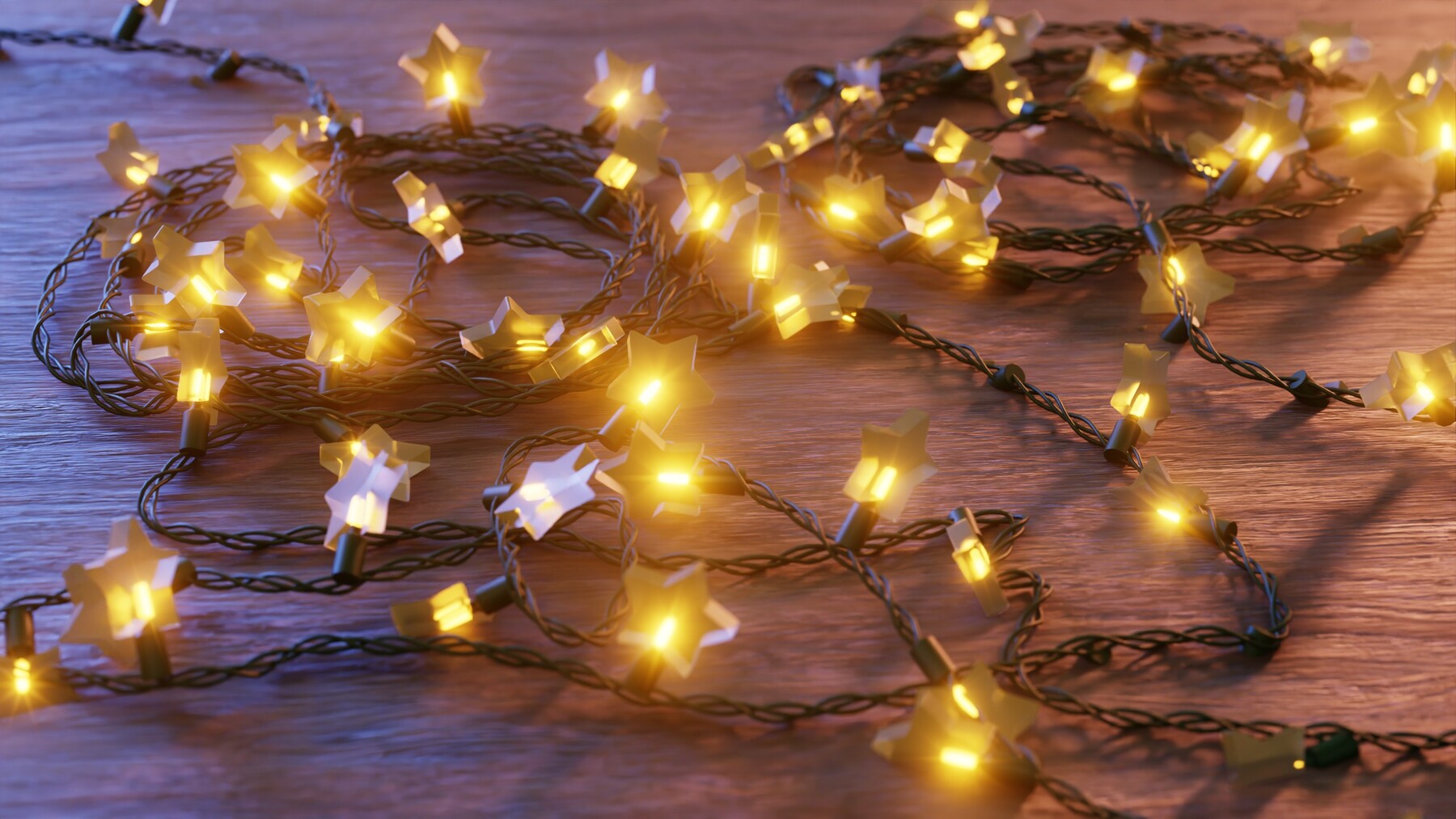
Customizable Christmas Lights created with Geometry Nodes in Blender. 🎄
Watch the Product Trailer Video
Geometry Nodes:
The Christmas Lights Geometry Nodes modifier is added to a curve object. The light bulb objects are instanced on the curve. You can edit the curve handles to edit the shape of the Christmas Lights. You can also use the curve draw tool to draw out the Christmas Lights.
Customizable:
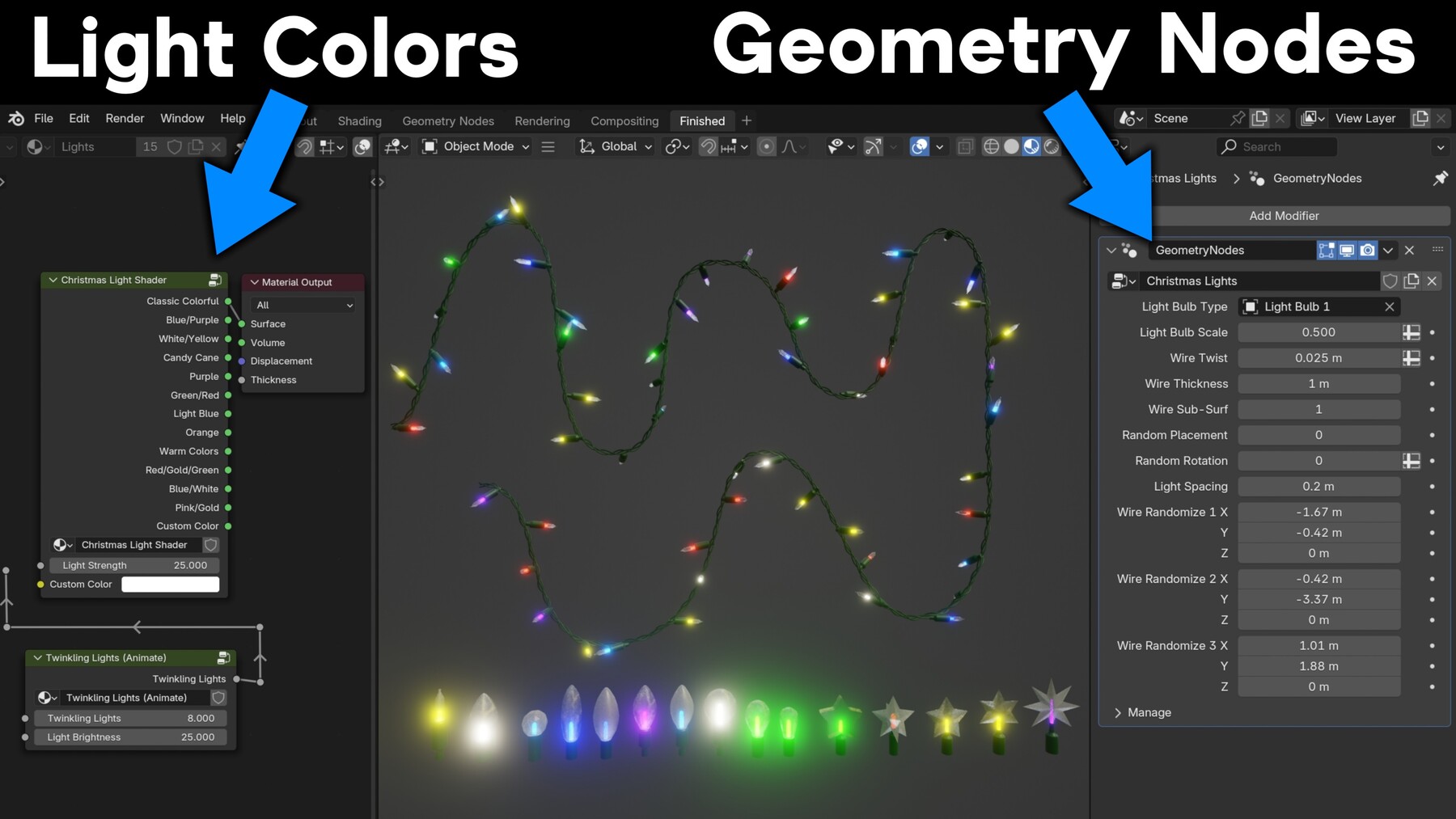
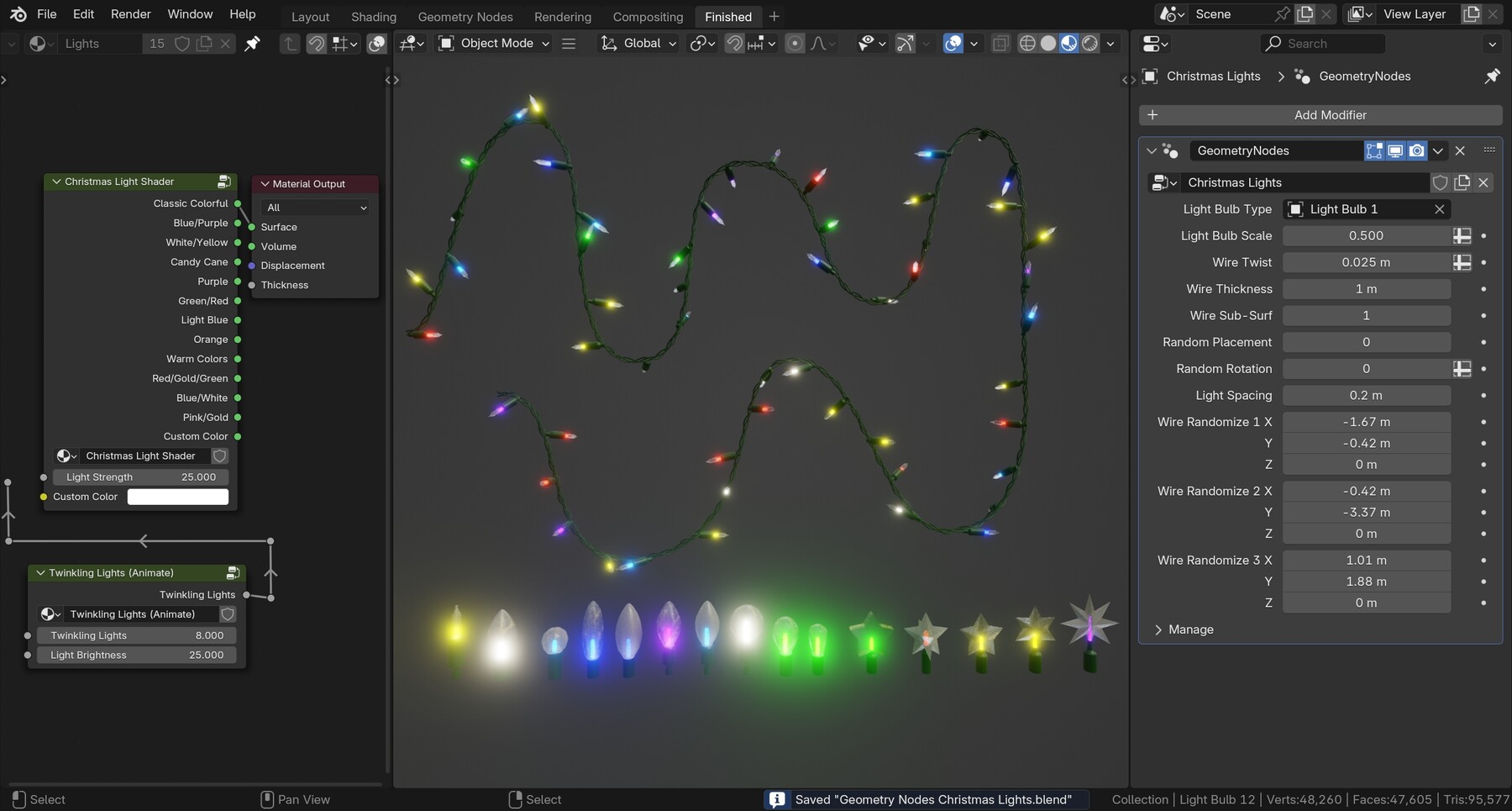
The Geometry Nodes Modifier has many custom values. You can customize the Light Bulb type, Wire Twist, Wire Thickness, Sub-Surf, Light Placement, Light Spacing, and More!
Lights Shader:
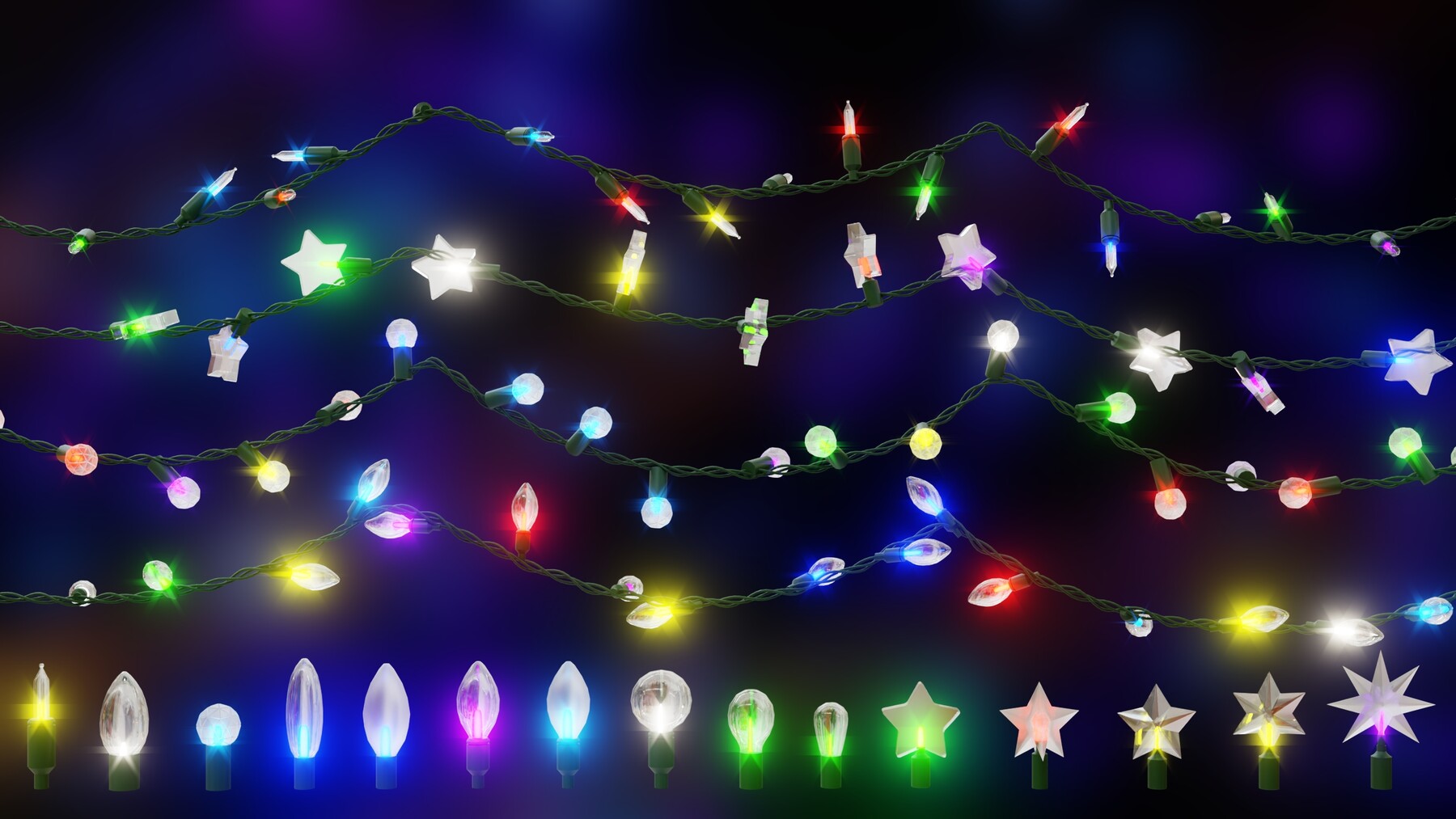
The Light Bulb shader is customizable, and comes with many different color presets, one of them being a custom color. You can also edit the shader node group, and edit the color ramp colors to make any light color variations you want.
Twinkling Lights:
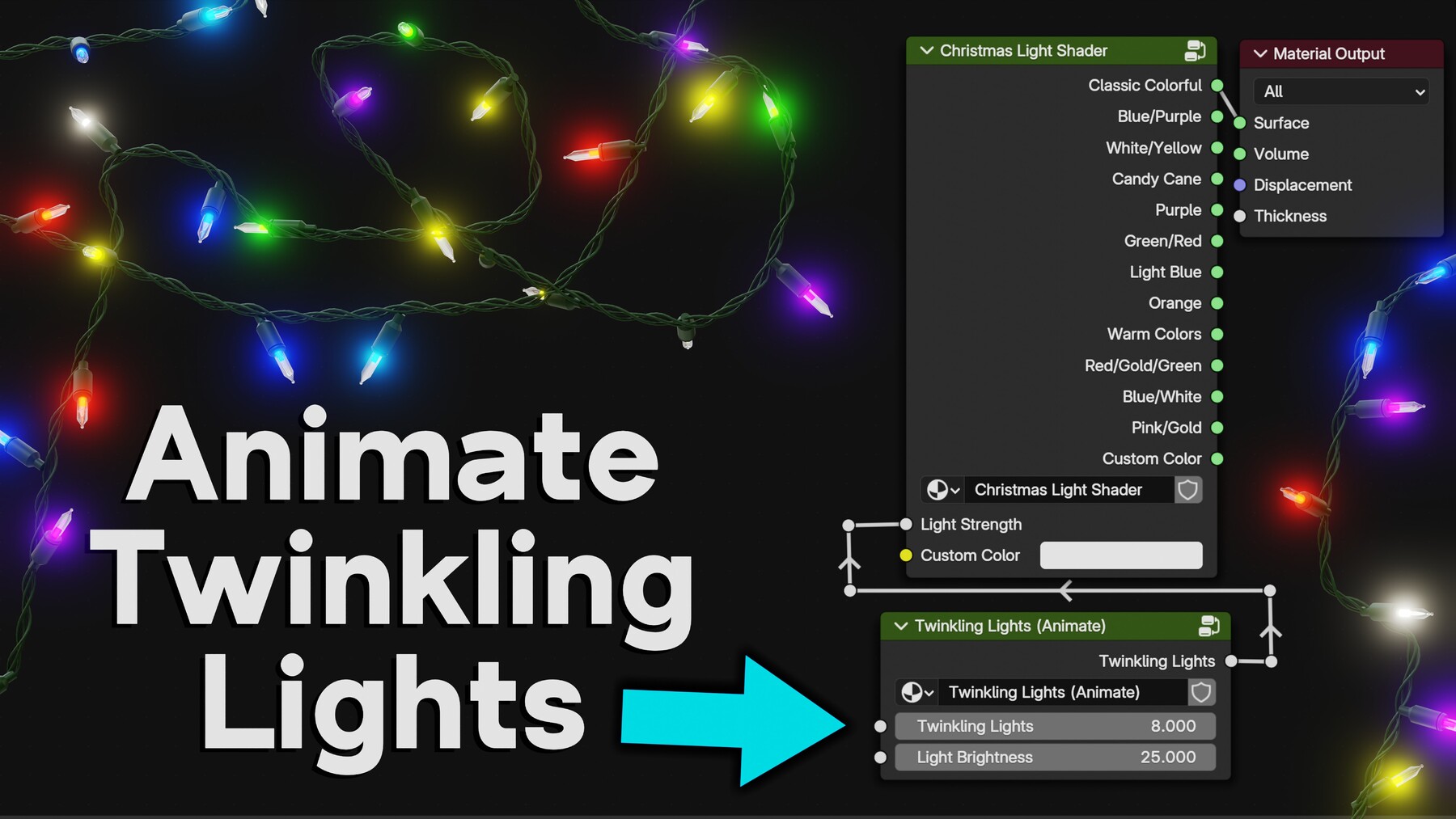
The Light Bulb shader also comes with a Twinkling Light node group. Plug the Twinkling Light into the Light Strength, and then animate the Twinkling Lights value.
Light Bulb Types:
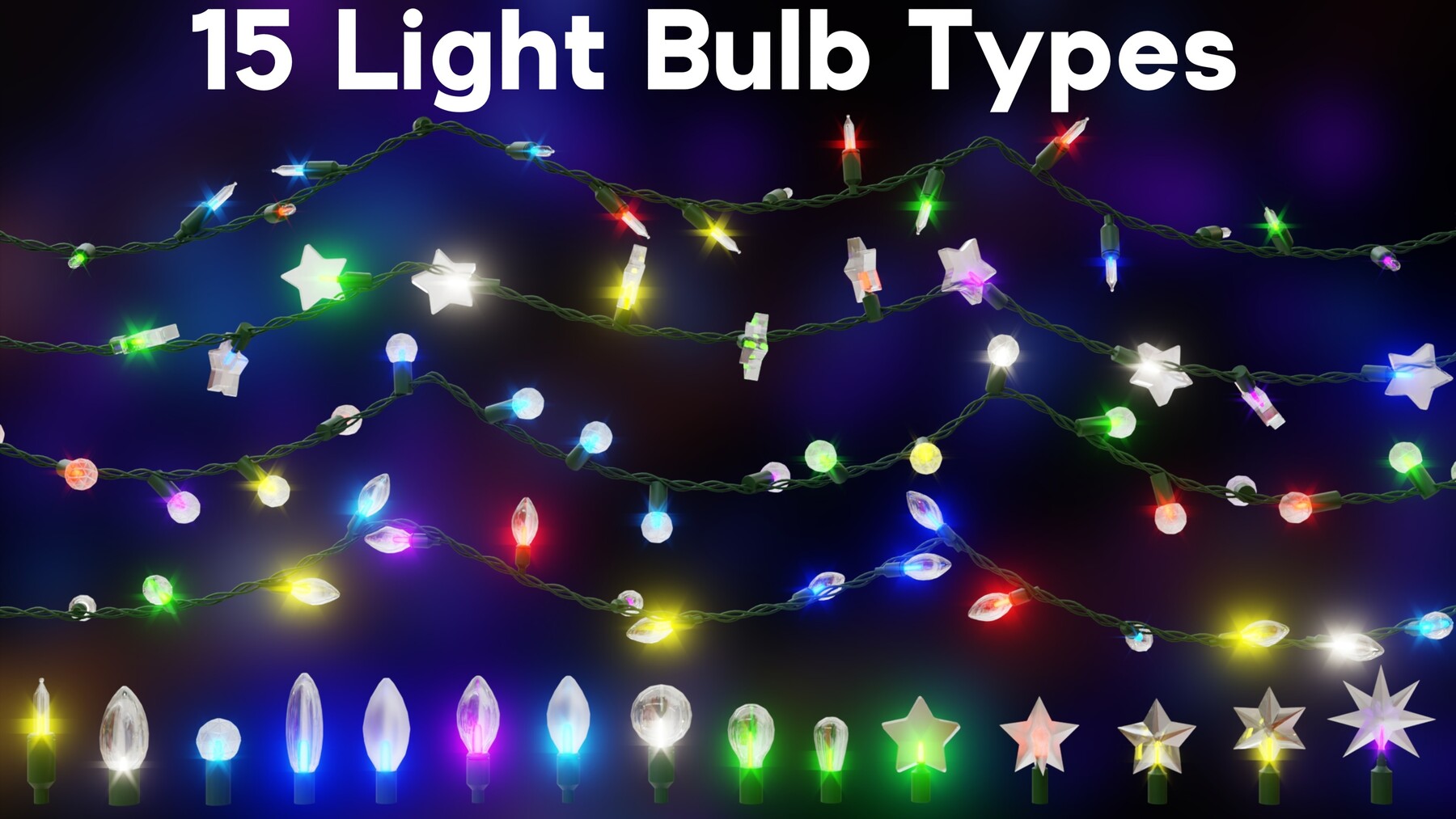
The product also comes with 15 different light bulb types that you can change using the modifier settings. The Light Bulb types include classic bulbs, round bulbs, oval bulbs, bulbs with frosted glass, and even star shaped bulbs.
Render Engine:
The Christmas Lights work great in both Cycles and Eevee rendering engines.
Compositing:
The Blender files also come with a simple compositing setup with a Glare Node, to add the glow effect.
Contents:
- Christmas Lights Blender File
- Lights on Rafters Blender File
- Pile of Lights Blender File
- Final Renders
- Wood Texture Maps
- HDRI Lighting
Tutorial:
If you'd like to learn how to create it yourself, you can watch the tutorial here.
Customizable Christmas Lights created with Geometry Nodes in Blender. 🎄
Watch the Product Trailer Video
Geometry Nodes:
The Christmas Lights Geometry Nodes modifier is added to a curve object. The light bulb objects are instanced on the curve. You can edit the curve handles to edit the shape of the Christmas Lights. You can also use the curve draw tool to draw out the Christmas Lights.
Customizable:
The Geometry Nodes Modifier has many custom values. You can customize the Light Bulb type, Wire Twist, Wire Thickness, Sub-Surf, Light Placement, Light Spacing, and More!
Lights Shader:
The Light Bulb shader is customizable, and comes with many different color presets, one of them being a custom color. You can also edit the shader node group, and edit the color ramp colors to make any light color variations you want.
Twinkling Lights:
The Light Bulb shader also comes with a Twinkling Light node group. Plug the Twinkling Light into the Light Strength, and then animate the Twinkling Lights value.
Light Bulb Types:
The product also comes with 15 different light bulb types that you can change using the modifier settings. The Light Bulb types include classic bulbs, round bulbs, oval bulbs, bulbs with frosted glass, and even star shaped bulbs.
Render Engine:
The Christmas Lights work great in both Cycles and Eevee rendering engines.
Compositing:
The Blender files also come with a simple compositing setup with a Glare Node, to add the glow effect.
Contents:
- Christmas Lights Blender File
- Lights on Rafters Blender File
- Pile of Lights Blender File
- Final Renders
- Wood Texture Maps
- HDRI Lighting
Tutorial:
If you'd like to learn how to create it yourself, you can watch the tutorial here.
Release Notes
In the new release of the product there are new features and improvements. Watch the new trailer video to learn about the new version: https://www.youtube.com/watch?v=0Rhw60udQG8