Video Editing in Blender 2.8 (Tutorial Series)

In this 7 Part Tutorial Series, you will get a complete overview of how to do Video Editing with Blender 2.8.
We will cover topics like, adding in videos and audio, cutting strips, slowing down or speeding up footage, adding text and fonts, adding photos, adding stock footage, color correction, and much more! By the end of this series, you will be confident in how to use Blender’s video editor.
A couple times in the tutorial series, I use two other Free and Open Source programs: Handbreak: (For Converting Videos), and Krita: (For Photo Editing). These programs are not needed to follow the tutorial though.
I hope this tutorial series is helpful for people who want to get started with Video Editing in Blender!
This Tutorial Series is Free on my Youtube Channel. But if you'd like to help support me, as well as download the tutorial videos to watch offline, and also get the tutorial files, you can purchase it here. Thanks!
Contents:
8 Video Tutorials
Part 1: Default Setup And Settings
Part 2: Shortcut Keys and Basic Editing
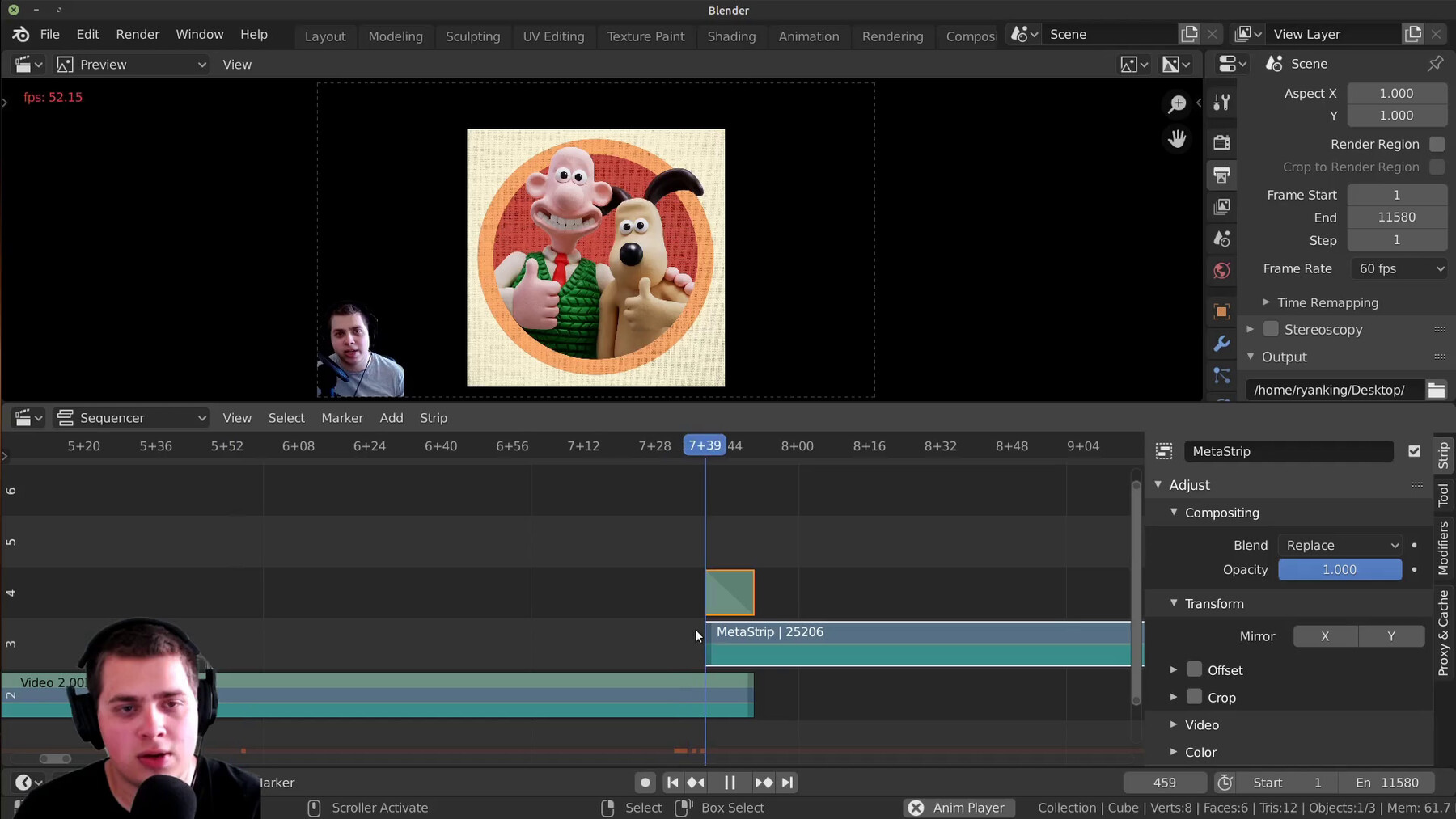
Part 3: Text, Meta Strips, Fade In/Out
Part 4: Color Grading, Photos, Effects
Part 5: Blur a Face or Logo
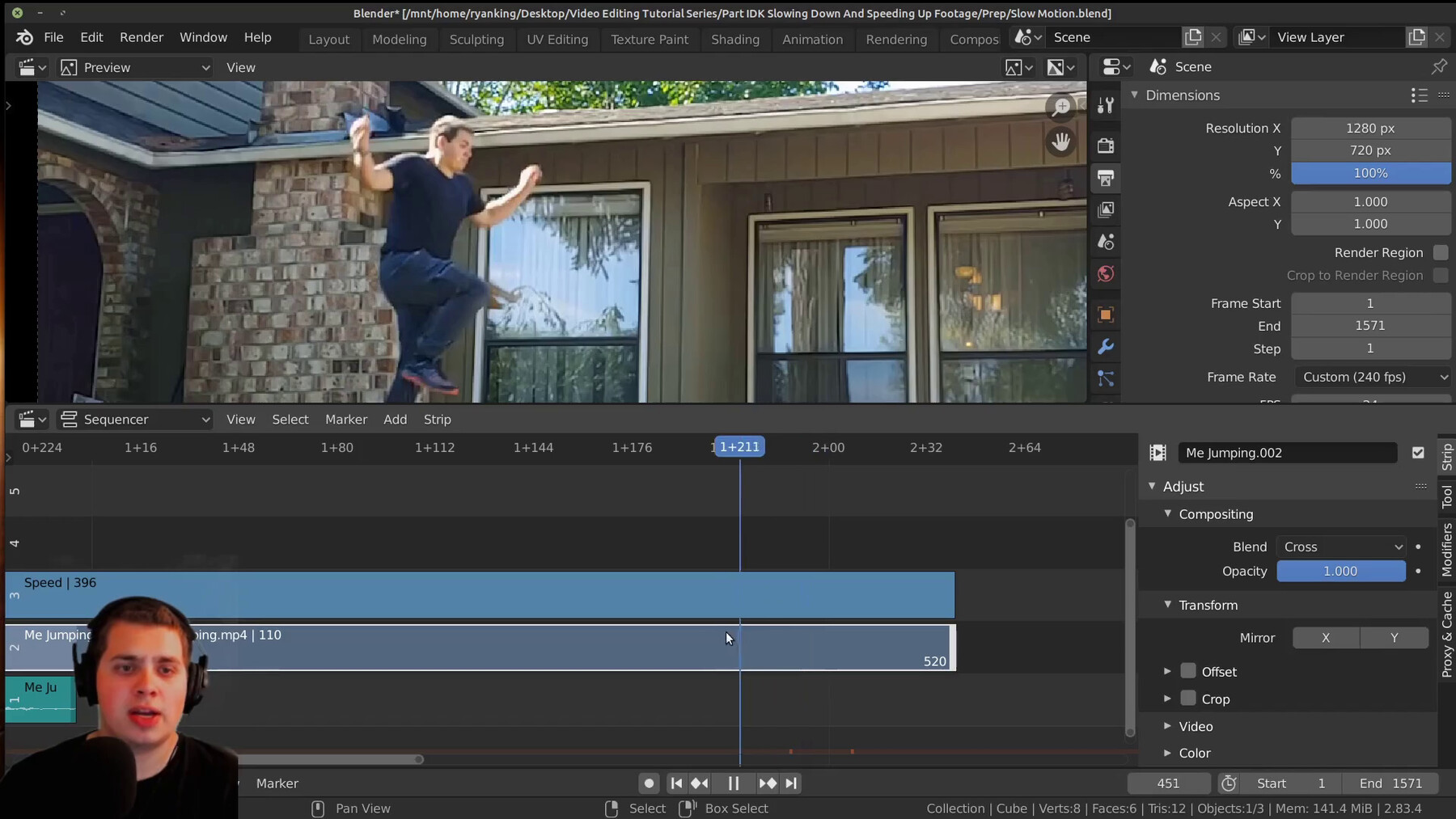
Part 6: Speed up or Slow down Video
Part 7: Convert Video Framerates with Handbreak
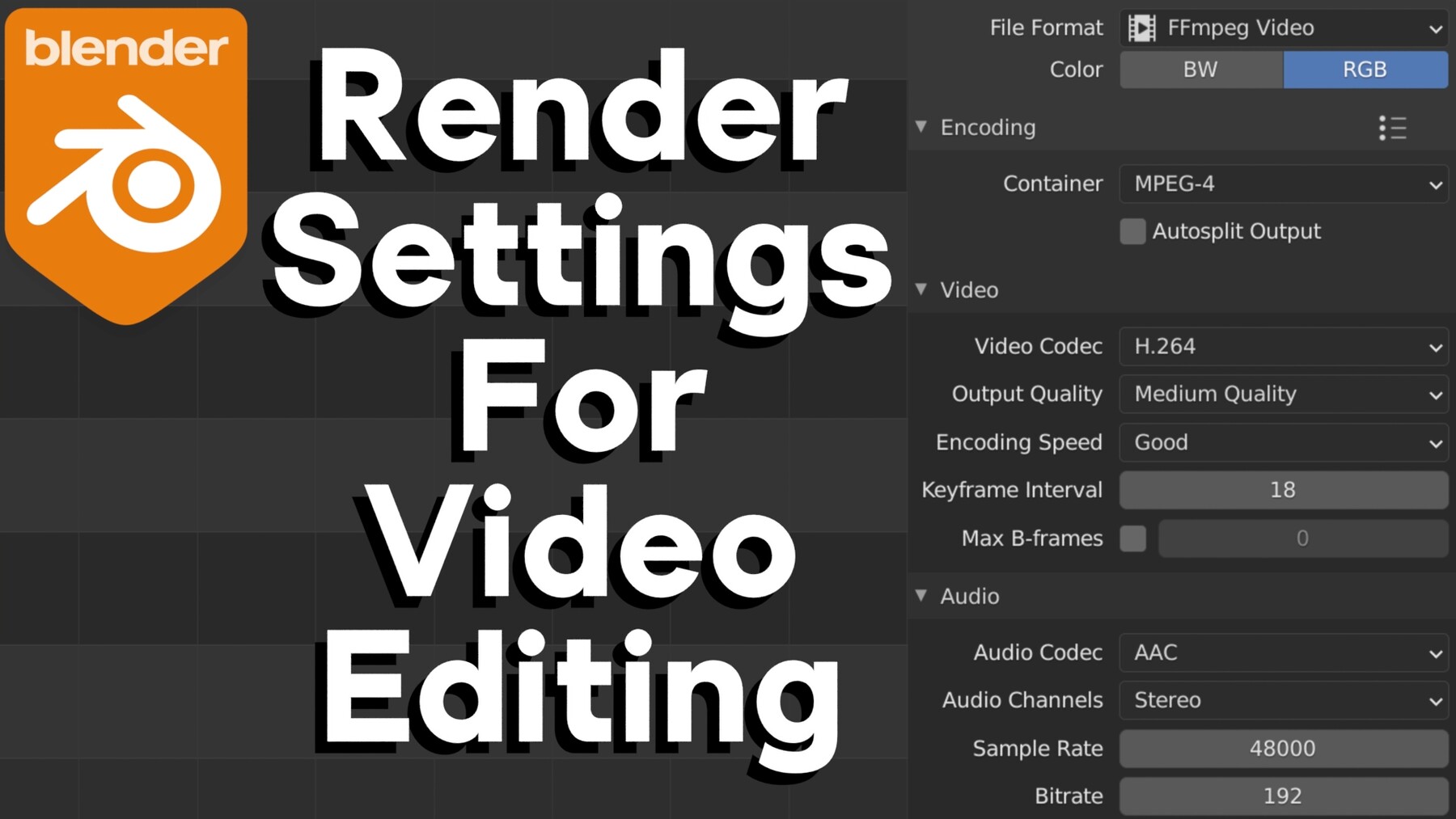
Video: Render Settings For Video EditingHow to Slow Down Footage (Blender file and example footage)
How to Blur a Face (Blender file and example footage)
In this 7 Part Tutorial Series, you will get a complete overview of how to do Video Editing with Blender 2.8.
We will cover topics like, adding in videos and audio, cutting strips, slowing down or speeding up footage, adding text and fonts, adding photos, adding stock footage, color correction, and much more! By the end of this series, you will be confident in how to use Blender’s video editor.
A couple times in the tutorial series, I use two other Free and Open Source programs: Handbreak: (For Converting Videos), and Krita: (For Photo Editing). These programs are not needed to follow the tutorial though.
I hope this tutorial series is helpful for people who want to get started with Video Editing in Blender!
This Tutorial Series is Free on my Youtube Channel. But if you'd like to help support me, as well as download the tutorial videos to watch offline, and also get the tutorial files, you can purchase it here. Thanks!
Contents:
8 Video Tutorials
Part 1: Default Setup And Settings
Part 2: Shortcut Keys and Basic Editing
Part 3: Text, Meta Strips, Fade In/Out
Part 4: Color Grading, Photos, Effects
Part 5: Blur a Face or Logo
Part 6: Speed up or Slow down Video
Part 7: Convert Video Framerates with Handbreak
Video: Render Settings For Video EditingHow to Slow Down Footage (Blender file and example footage)
How to Blur a Face (Blender file and example footage)
Release Notes
In this newest release of the product, I just renamed and organized the product files a little bit, and made the product description more neat and professional.