Sci-Fi Construction Robot (Blender Tutorial Series)
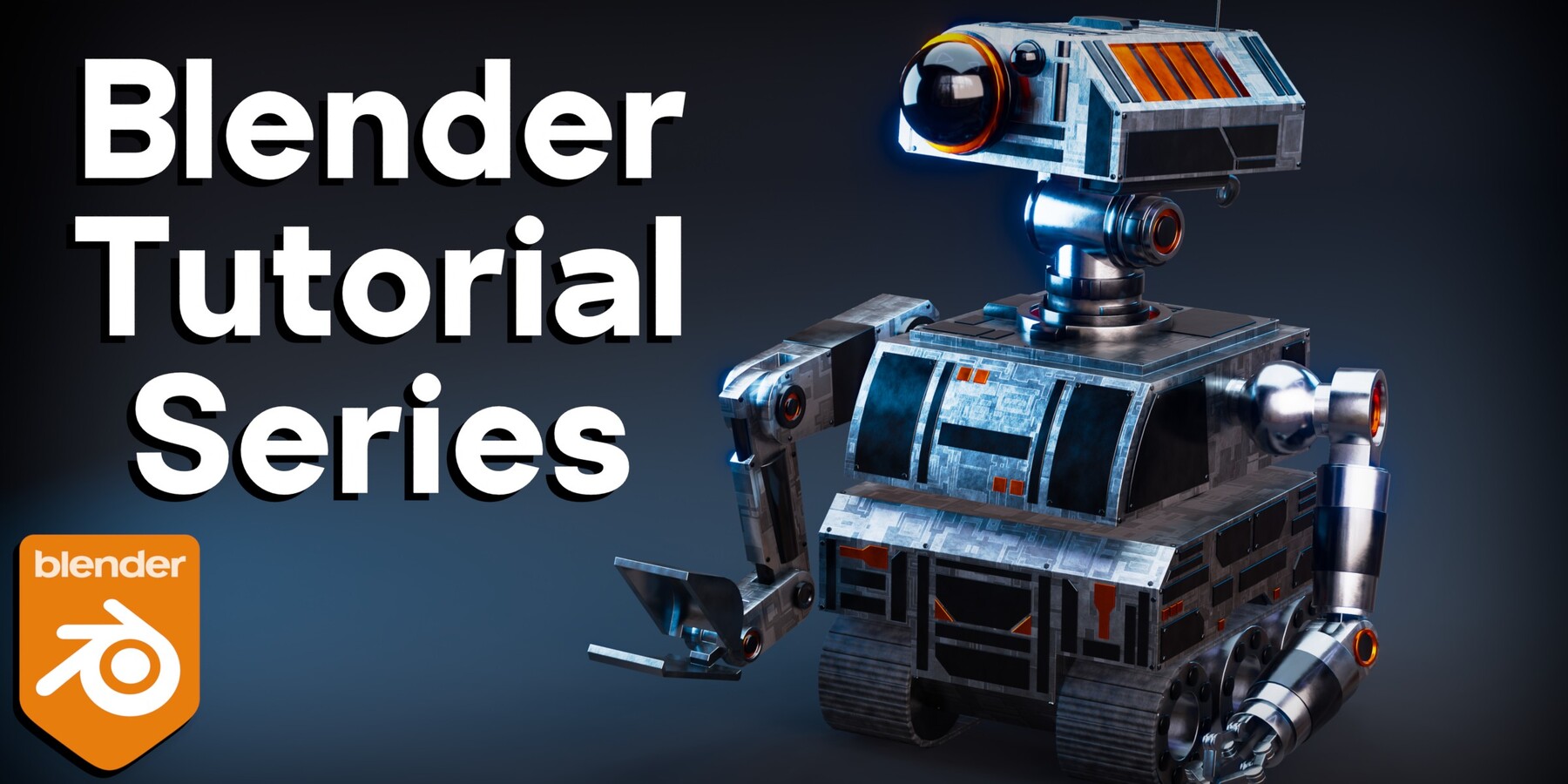
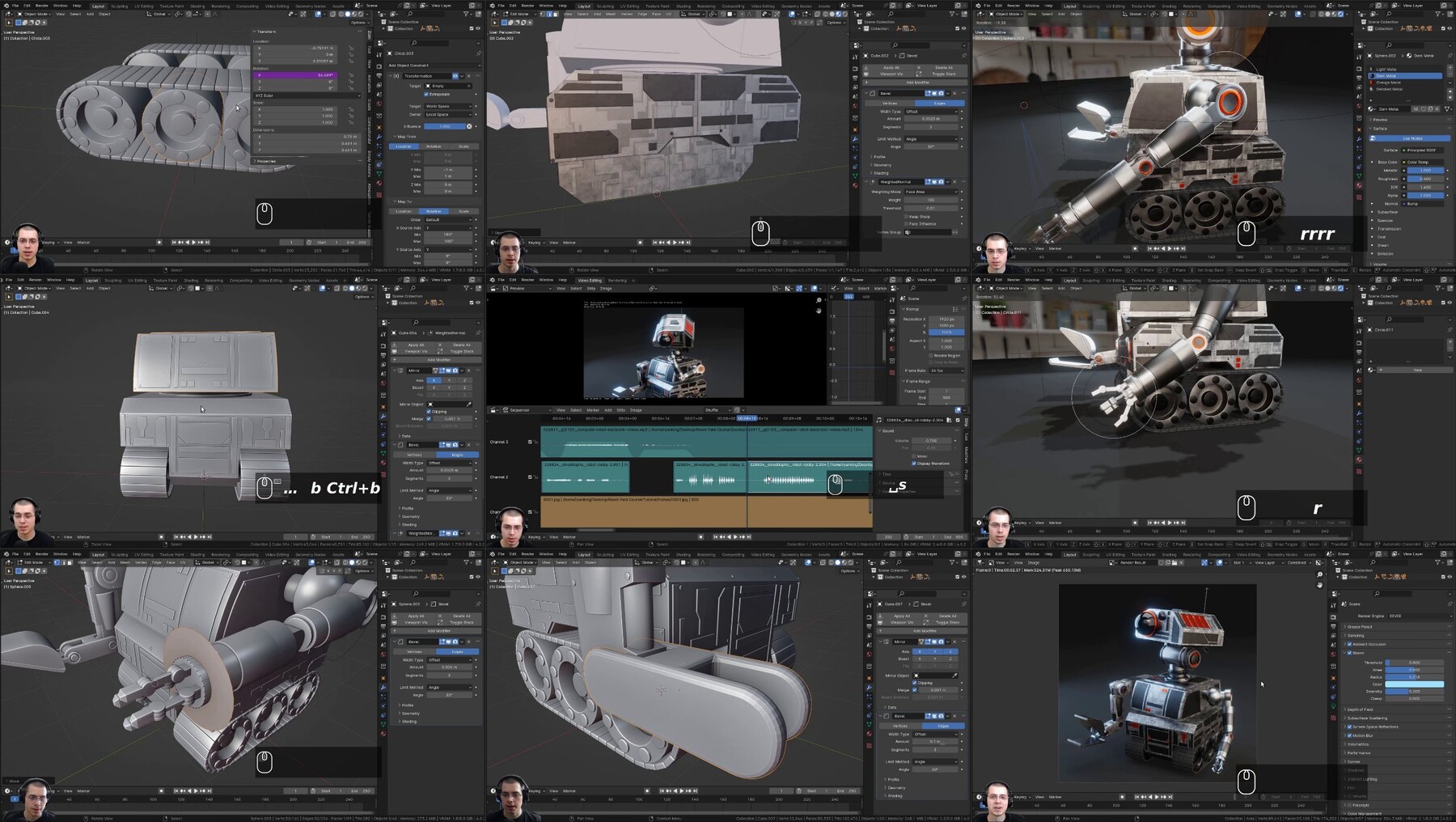
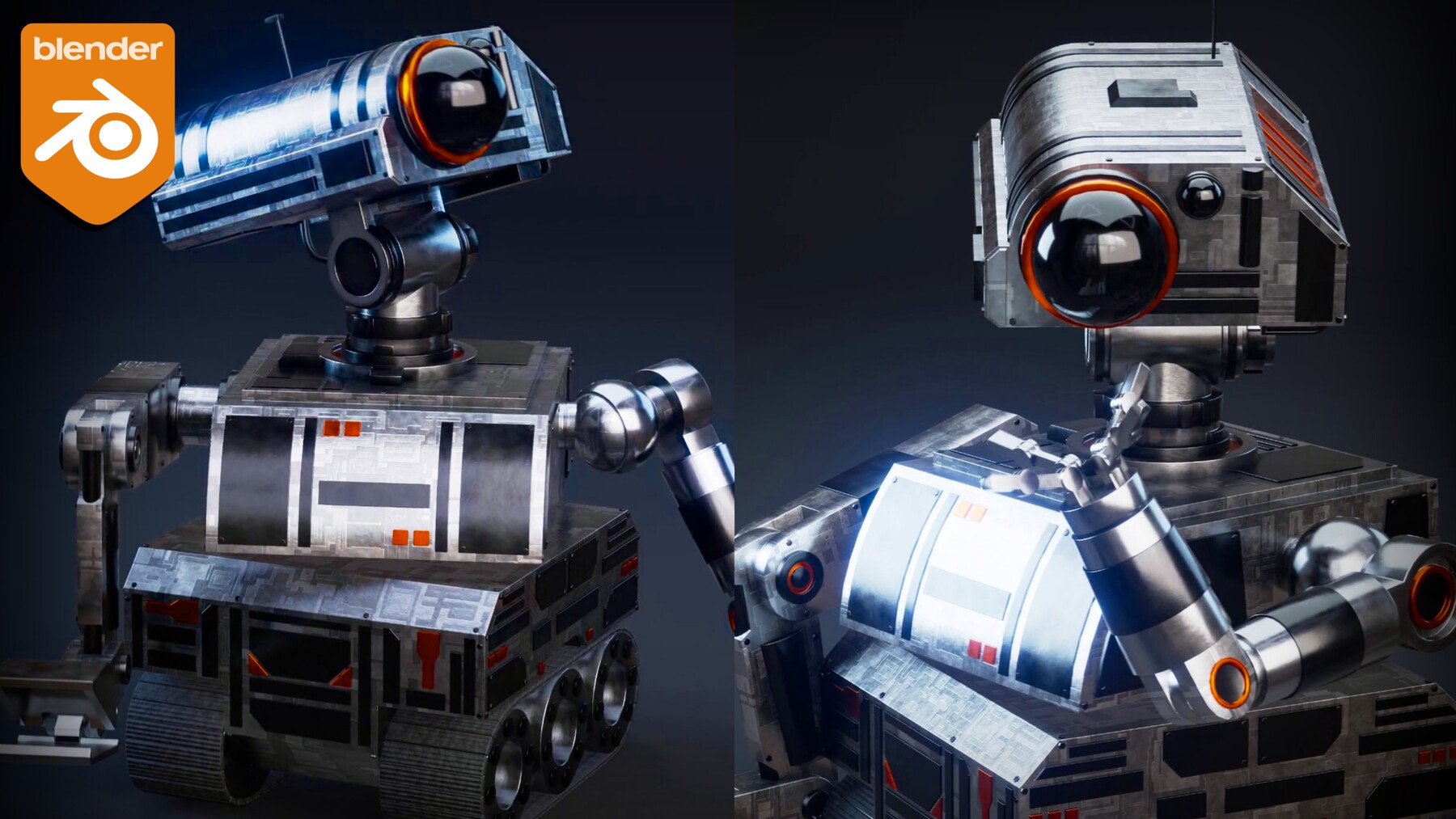

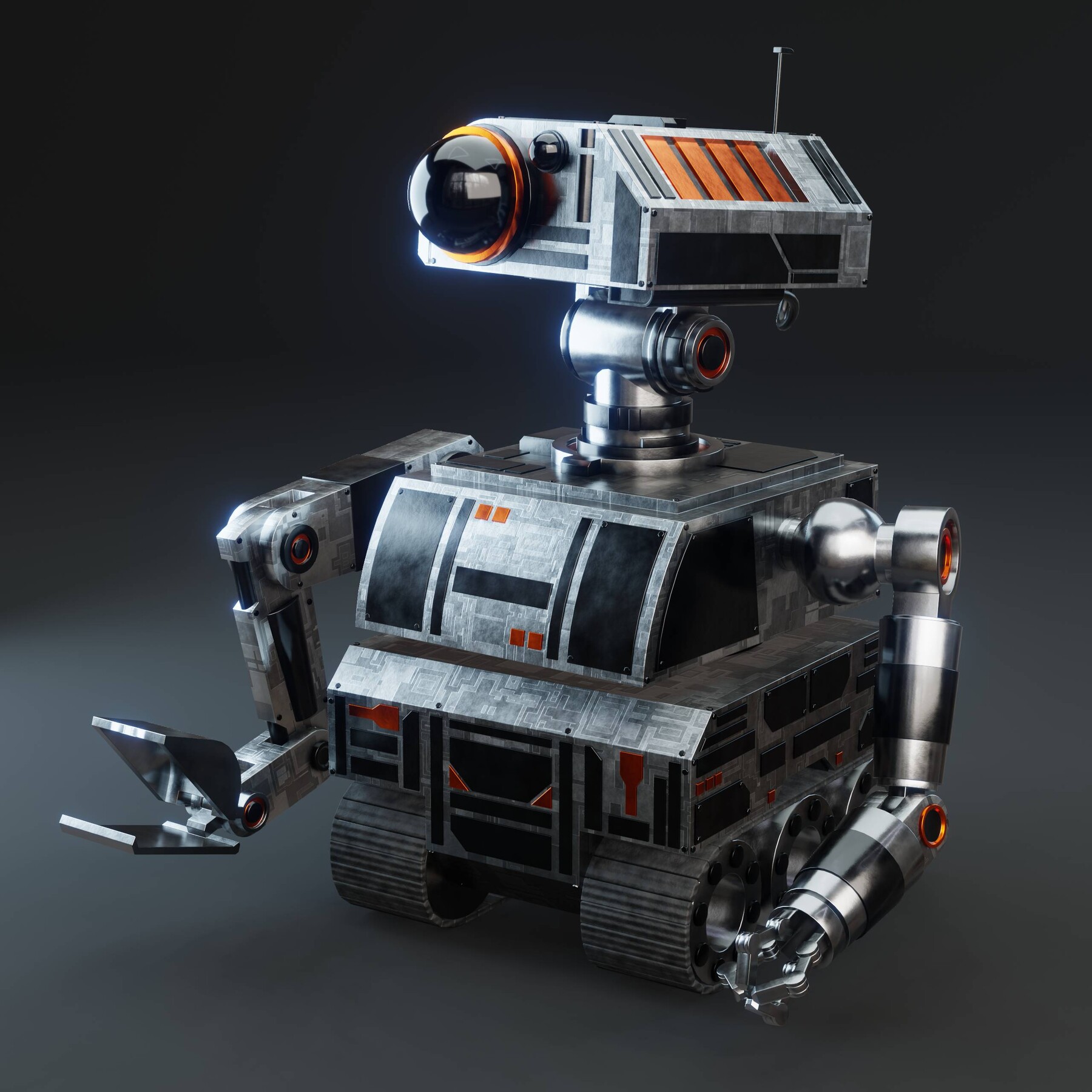
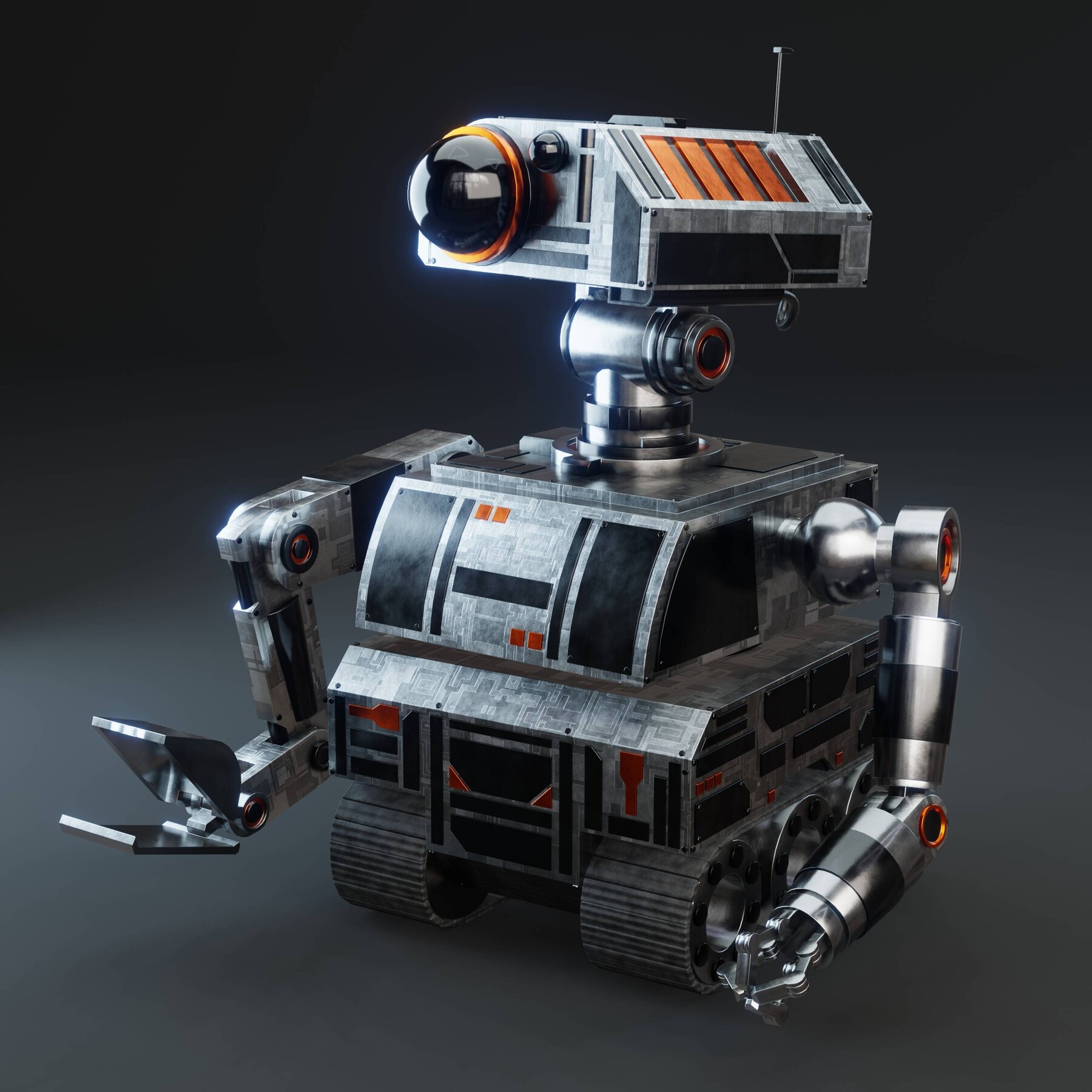
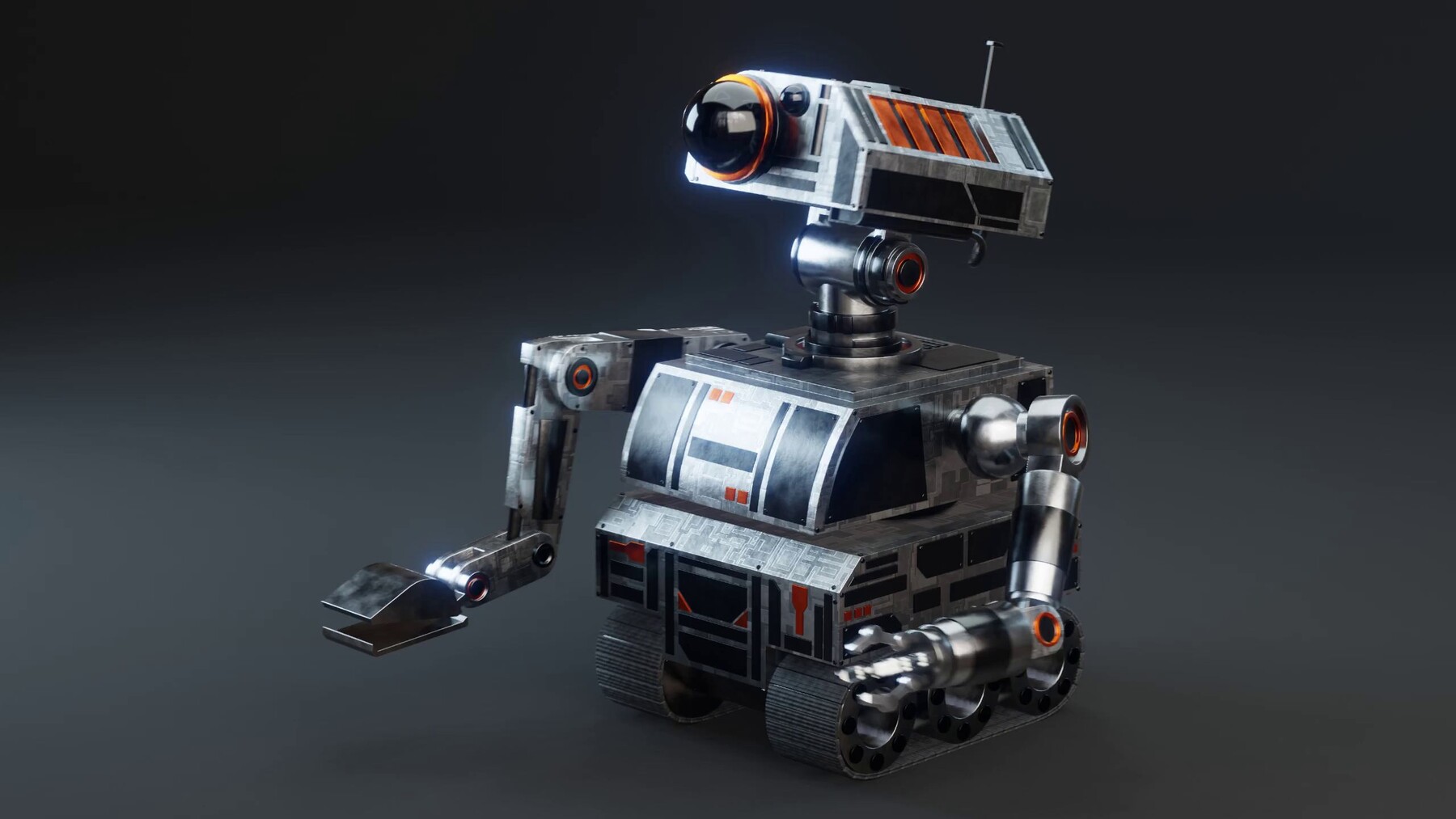
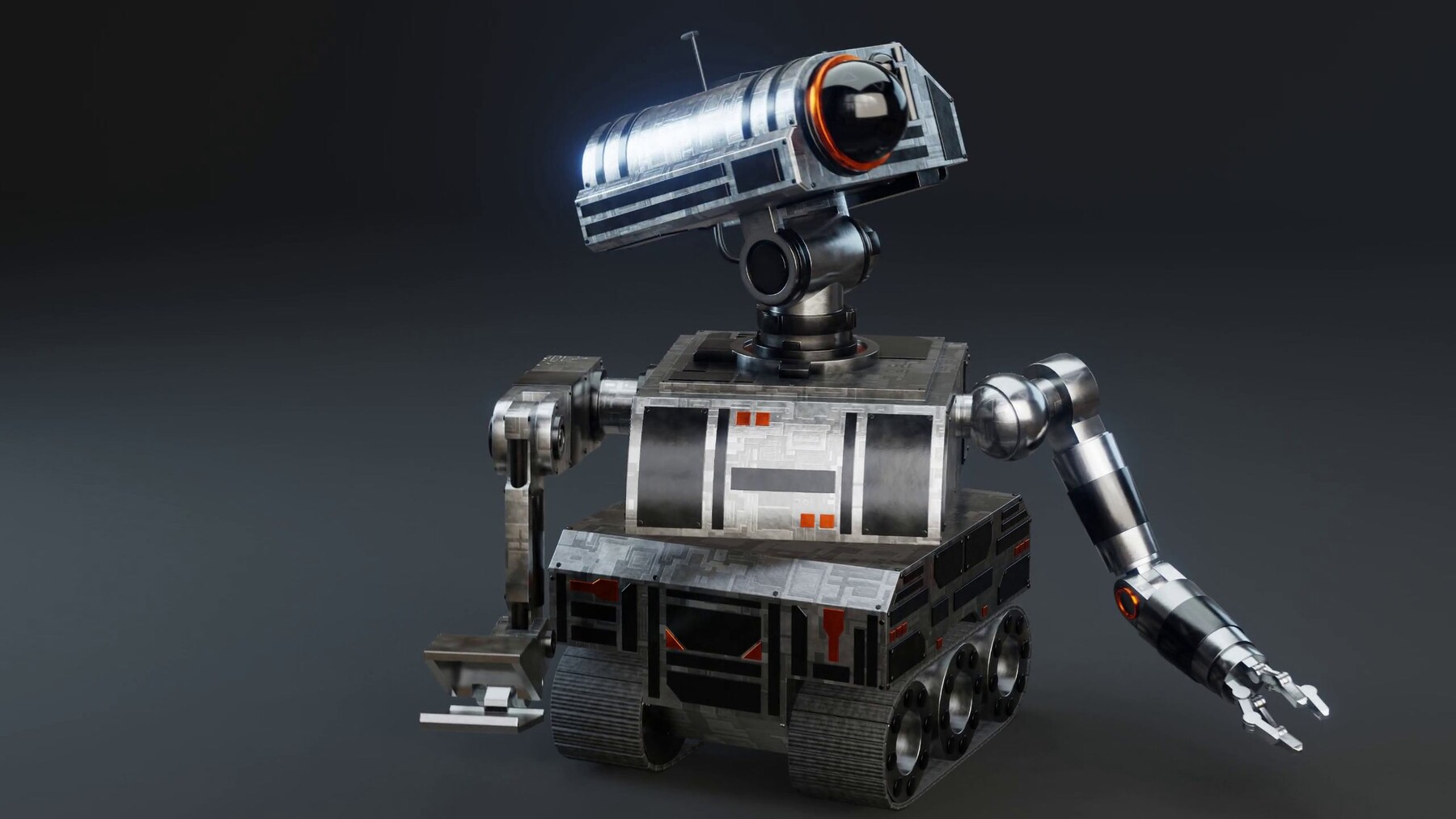
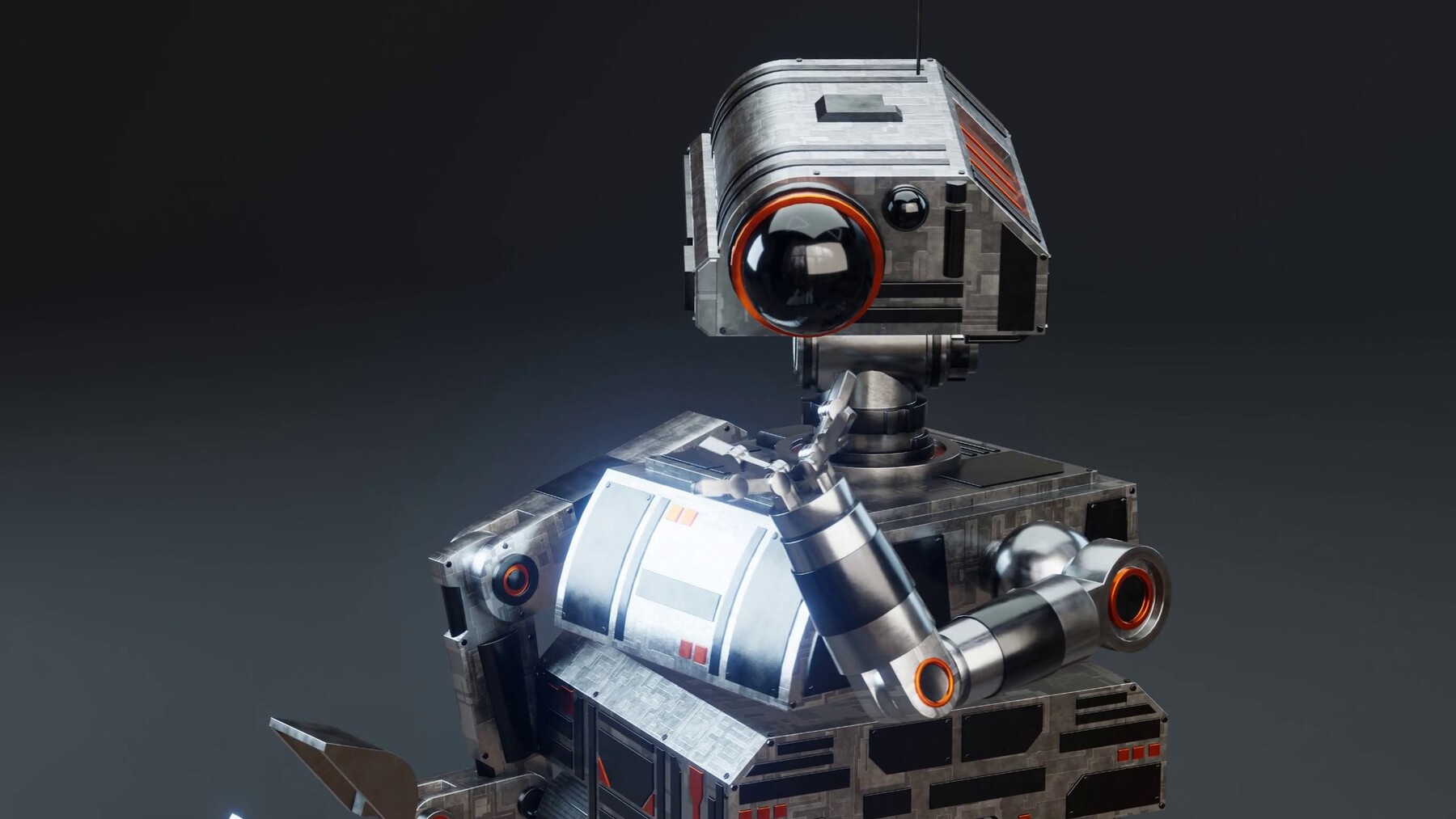
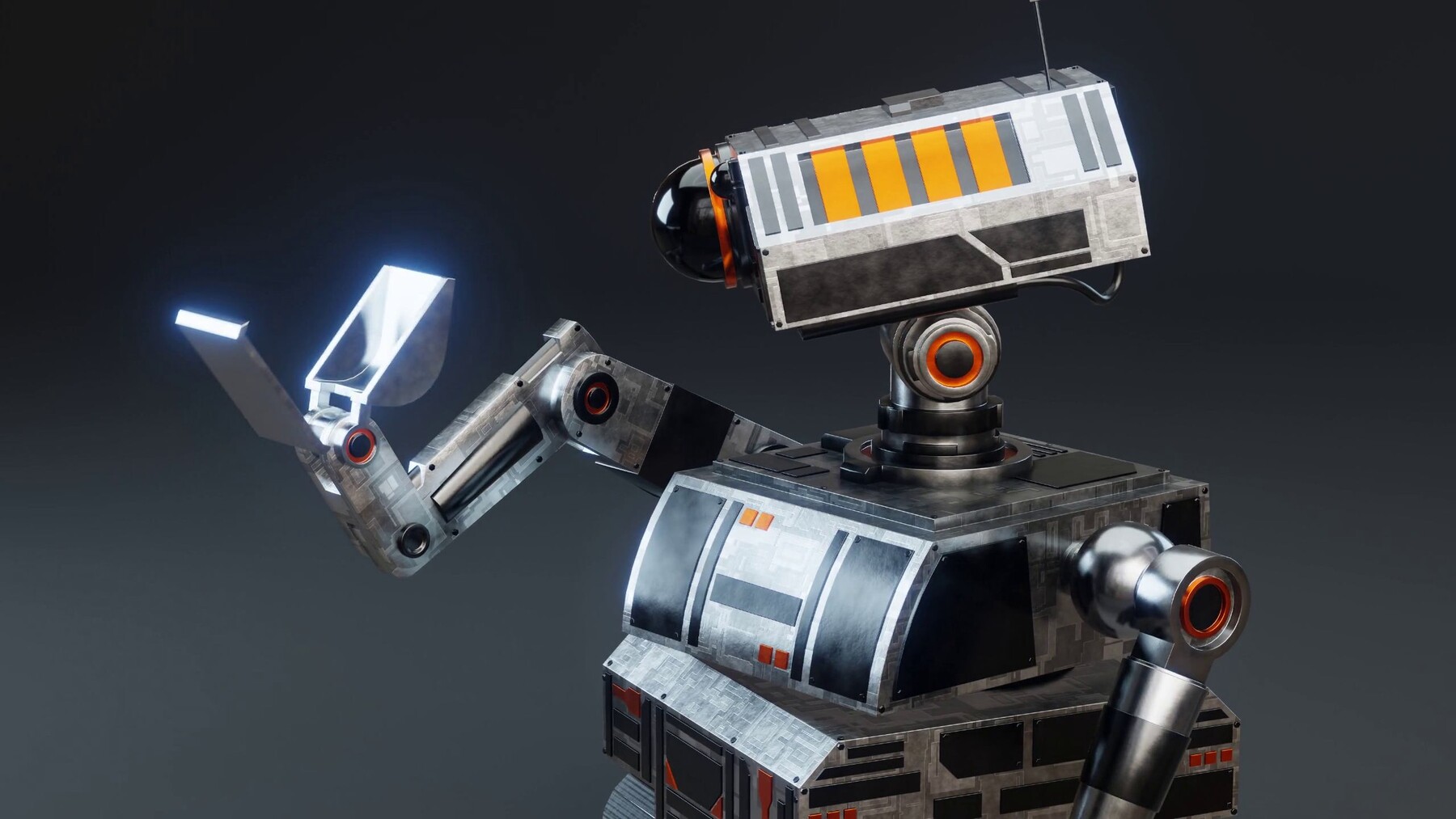
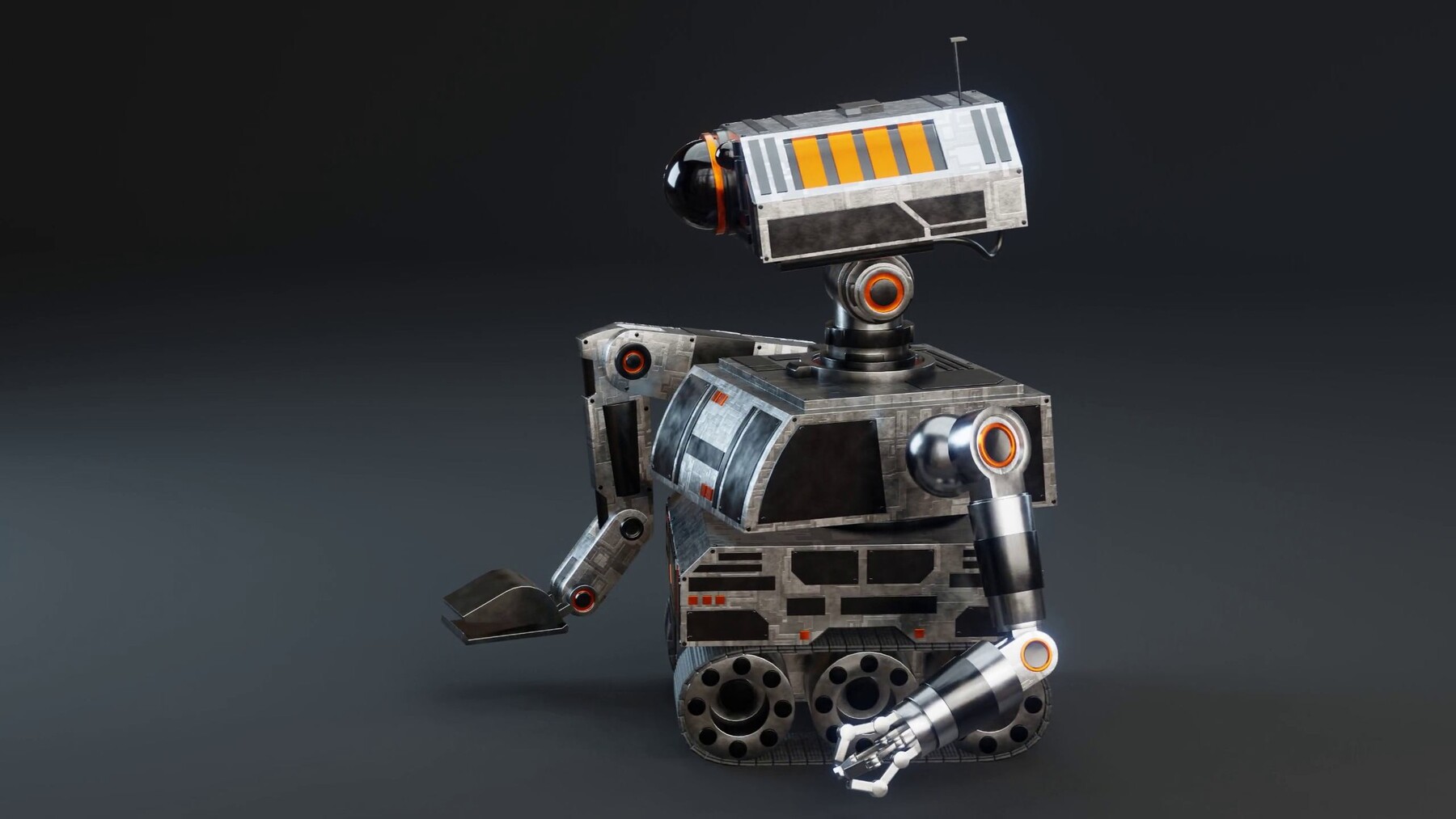
In this 11 Part Blender Tutorial Series, you will learn how to create this Rigged, Animated, Sci-Fi Construction Robot Character. The entire tutorial series is step by step and in real time.
The course covers the complete creation process: Modeling, Materials, Rigging, Lighting, Rendering, Animation, and Video Editing.
Tutorial Videos:
● Part 1: Modeling the Treads & Wheels
● Part 2: Rigging the Treads & Wheels
● Part 3: Modeling the Robot Body
● Part 4: Modeling the Digger Arm
● Part 5: Modeling the Claw Arm
● Part 6: Modeling the Robot Neck
● Part 7: Modeling the Robot Head
● Part 8: Adding All the Materials
● Part 9: Mechanically Rigging the Robot
● Part 10: Scene Setup, Lighting, Rendering
● Part 11: Animation, Rendering, Video Editing
Total Running Time:
The total run time of all the tutorial parts combined is 4 hours and 42 minutes.
Render Engine:
In the tutorial series I will be using the Eevee rendering engine, but you could totally use Cycles as well if you want a more realistic render. The final robot will work great in both rendering engines.
Materials:
All of the materials will be created procedurally with Blender's procedural shader nodes. We will also use an HDRI lighting file to light the scene.
Blender Version.
At the time of making this course, the latest version of Blender is 4.0.2. So its recommended to use at least Blender version 4.0 or future versions.
Contents:
● Robot Blender File
● Robot Animation File
● Video Editing File
● HDRI Lighting
● Final Render
● Final Animation Video
● 3 Sound Effects
In this 11 Part Blender Tutorial Series, you will learn how to create this Rigged, Animated, Sci-Fi Construction Robot Character. The entire tutorial series is step by step and in real time.
The course covers the complete creation process: Modeling, Materials, Rigging, Lighting, Rendering, Animation, and Video Editing.
Watch the Tutorial Trailer Video: https://youtu.be/dJIpW-HFEE4
Tutorial Videos:
● Part 1: Modeling the Treads & Wheels
● Part 2: Rigging the Treads & Wheels
● Part 3: Modeling the Robot Body
● Part 4: Modeling the Digger Arm
● Part 5: Modeling the Claw Arm
● Part 6: Modeling the Robot Neck
● Part 7: Modeling the Robot Head
● Part 8: Adding All the Materials
● Part 9: Mechanically Rigging the Robot
● Part 10: Scene Setup, Lighting, Rendering
● Part 11: Animation, Rendering, Video Editing
Total Running Time:
The total run time of all the tutorial parts combined is 4 hours and 42 minutes.
Render Engine:
In the tutorial series I will be using the Eevee rendering engine, but you could totally use Cycles as well if you want a more realistic render. The final robot will work great in both rendering engines.
Materials:
All of the materials will be created procedurally with Blender's procedural shader nodes. We will also use an HDRI lighting file to light the scene.
Blender Version.
At the time of making this course, the latest version of Blender is 4.0.2. So its recommended to use at least Blender version 4.0 or future versions.
Contents:
● Robot Blender File
● Robot Animation File
● Video Editing File
● HDRI Lighting
● Final Render
● Final Animation Video
● 3 Sound Effects
Release Notes
In the new release of the product, I re-uploaded parts 1 and 2, because there was a weird download issue with the files and a customer couldn't download them. Hopefully its working now. If you can't download the files for some reason, contact me by messaging me on ArtStation.
In a previous release of the product, I added a new short video, that viewers should watch before watching part 2 of the tutorial series. There was a small update in the latest Blender version, regarding the driver editor, but its a very simple fix. In that new short video I added, I show you how to easily fix the problem so that you can continue to follow along with the tutorial.